
Datorama vs Tableau: Which Is Better for Marketing Analytics?
Marketing data keeps expanding, yet turning it into usable insight is still a challenge. Marketers compare Datorama and Tableau when searching for a tool that unifies data, visualizes performance, and improves return on investment (ROI).
Both tools often come up together, yet they approach reporting and analysis in different ways. That choice affects how data moves, how reports get produced, and how insights reach stakeholders.
This guide unpacks Datorama vs Tableau and highlights how each platform approaches data, reporting, and AI-driven insights.
TL;DR
-
Datorama prepares marketing data for reporting, while Tableau focuses on analyzing data through dashboards and visuals.
-
Datorama includes campaign tracking, AI insights, and media planning features tied to marketing performance.
-
Tableau supports flexible dashboards and deeper analysis, but relies on prepared data before reporting.
-
Both tools leave gaps in reporting workflows and don’t cover many aspects of marketing analytics in greater depth.
-
TapClicks connects data, reporting, and AI insights in one system, replacing manual reporting steps.
What Is Datorama?
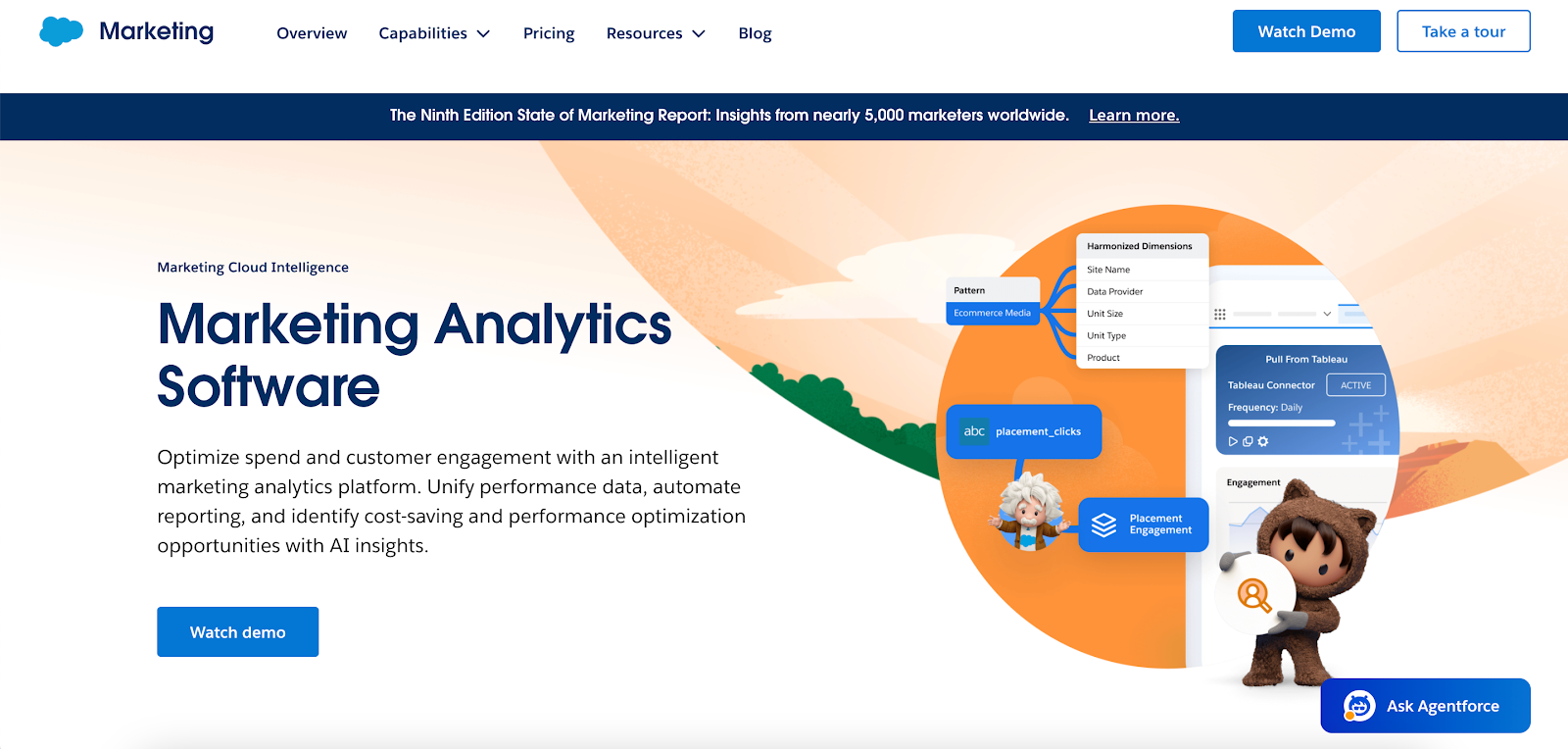
Image source: salesforce.com
Datorama, now called Marketing Cloud Intelligence, is Salesforce’s marketing analytics product. It collects advertising data, customer relationship management (CRM) records, and analytics data, then organizes everything into dashboards and reports.
It focuses on data integration and reporting within marketing workflows. Teams use it to track campaign performance, review ROI, and connect data from platforms like Google Analytics, paid media channels, and CRM systems.
Key Features
-
Connects to 170+ data sources, including advertising platforms, CRM tools, and databases
-
Standardizes incoming data using a predefined marketing data model
-
Uses Einstein AI to generate AI-powered insights based on spend, engagement, and campaign results
-
Tracks multi-channel marketing analytics from paid, organic, and customer data
-
Provides interactive dashboards and custom visualizations for reporting and data visualization
-
Ingests data from application programming interfaces (APIs), flat files, and systems without native connectors
Why Marketers Use Datorama
Datorama organizes marketing data in a consistent format. Campaign metrics from different channels follow the same structure, which helps with reporting and comparison.
Einstein reviews campaign data and highlights patterns linked to performance. It ranks insights by influence, helping users focus on the changes that affect results.
Media planning tools track pacing and forecast outcomes. Marketing teams use historical performance data to adjust budget allocation while campaigns run.
Common Challenges With Datorama
Setup takes time. Marketers configure taxonomies, mappings, and dashboards before reports reflect accurate data.
Several workflows still rely on SQL or manual input. Segmentation, troubleshooting, and data adjustments require technical knowledge.
The interface presents many fields, filters, and configuration options. New users often need time to get familiar with navigation and setup.
What Is Tableau?

Image source: tableau.com
Tableau is a business intelligence (BI) tool that turns raw data into charts, graphs, and dashboards. It connects to multiple data sources and helps analysts explore patterns, trends, and performance metrics through visuals.
It’s widely used in different industries, including marketing, finance, and operations. Many organizations use it to incorporate BI into reporting workflows.
Most teams rely on it for reporting and ad hoc data analysis, with flexibility for unlimited exploration of data.
Key Features
-
Builds interactive dashboards with filters, drill-downs, and dynamic views
-
Supports ad hoc data analysis through drag-and-drop exploration
-
Uses AI features like Tableau Agent and Pulse for AI insights generated from data
-
Offers deployment through Tableau Cloud, Tableau Server, and Tableau Desktop
-
Connects to databases, spreadsheets, and cloud tools
-
Prepares and combines datasets using visual tools or SQL
Why Teams Use Tableau
Tableau offers powerful visualization capabilities. Analysts can easily create custom visualizations that highlight trends, compare metrics, and track business performance.
The interface relies on drag-and-drop actions. This speeds up dashboard creation and makes it easier to test different views of the same dataset.
It also handles many use cases beyond marketing. Finance, operations, and leadership teams use it to review performance and guide decision-making.
Tableau connects with many platforms and data systems. This helps combine key data into a centralized view that supports different reporting needs.
Common Challenges With Tableau
Tableau doesn’t include native marketing features. Campaign tracking, attribution, and pacing require manual setup and custom calculations.
Data preparation often happens before analysis. Cleaning and mapping data can become a very complicated task without technical support.
Large datasets can also affect performance. Dashboards may take longer to load, especially with complex queries or heavy data volumes.
Datorama vs Tableau: Key Differences for Marketers
Datorama and Tableau often appear in the same evaluation, but they serve different roles within analytics platforms.
Marketing Focus
Datorama centers on marketing intelligence. It tracks campaign performance, media spend, and customer engagement using a structure that reflects how campaigns run.
Tableau serves as a general BI tool. It supports many use cases, so marketing workflows require added setup.
Data Integration and Transformation
Datorama prepares marketing data inside the platform using predefined rules. This improves data accessibility when reviewing campaign results.
Tableau connects to data but doesn’t organize it. Data preparation often happens before analysis, especially for teams handling complex data integration needs.
This difference affects how quickly data turns into usable reports.
Reporting and Visualization
Datorama outputs reports that follow a consistent format. Once configured, dashboards update without rebuilding layouts.
Tableau focuses on visual exploration. Analysts rely on its user interface to create custom dashboards, which works well for analysis but requires more setup for recurring reports.
AI and Insights
Datorama uses Einstein to highlight patterns in campaign data. These insights help optimize marketing campaigns by pointing to channels, creatives, or segments that influence results.
Tableau includes AI features that assist with analysis. These tools help explore trends but don’t focus on marketing-specific recommendations.
Ease of Use
Datorama requires an initial setup before data flows correctly. Teams configure mappings, naming rules, and dashboards before reports reflect accurate results.
Tableau depends heavily on skill level. Building dashboards, preparing data, and maintaining reports require experience with data tools and modeling.
The Problem With Using Datorama or Tableau Alone
Using Datorama or Tableau alone doesn’t cover the full reporting process. Data often sits in separate systems, so you still need to pull numbers from multiple sources to start the analysis.
Spreadsheets remain part of the workflow. Data gets exported, cleaned, and reworked before it appears in dashboards or reports.
Manual steps continue throughout reporting. Reports need updates, calculations get adjusted, and dashboards get rebuilt when data structures change.
Neither tool handles the full flow from ingestion to reporting. Datorama handles marketing data, Tableau handles visualization, so additional tools fill the missing pieces.
This makes it harder to see a complete picture of company performance. Dashboards show metrics, but they don’t explain what changed or what needs attention.
There’s no one solution that connects data ingestion, analytics, reporting, and advanced AI-powered insights together.
Why TapClicks Is the Better Alternative to Datorama and Tableau
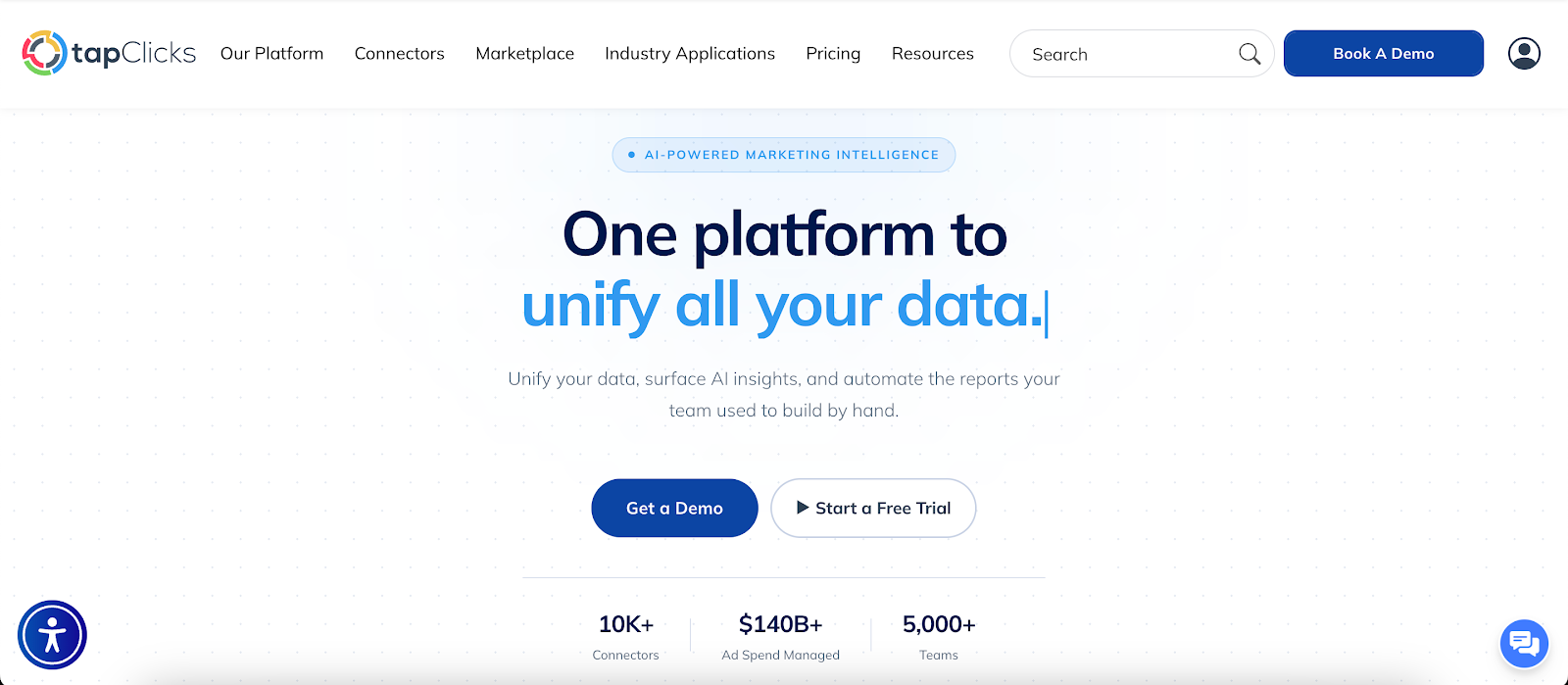
TapClicks handles the full reporting workflow from data ingestion to final presentation. It connects data sources, prepares and analyzes the data, and delivers reports without relying on separate tools.
Connect and Prepare Data Without Manual Work
TapClicks uses TapData to pull in data from hundreds of sources, including ad platforms, CRMs, and files. SmartConnector handles custom inputs like CSVs or APIs without technical setup.
The Transformation Hub standardizes naming, applies calculations, and organizes datasets inside the platform. This keeps data consistent before it reaches reporting.
Automate Reports and Deliver Insights
TapReports turns raw data into dashboards, PDFs, and slide decks. Report Studio lets you build layouts once, then reuse them across multiple clients or campaigns.
Reports run on a schedule, so stakeholders receive updates without manual exports. AI agents explain what changed and give a better understanding of performance without reading charts.
This also supports business goals, since reports connect performance directly to outcomes.
Analyze Performance and Get AI-Driven Insights
TapAnalytics updates dashboards as new data arrives, supporting real-time analysis without rebuilding reports.
TapInsights monitors performance and flags changes as they happen. It helps analyze opportunities by identifying trends, anomalies, and shifts in campaign results.
Users can also query dashboards using natural language query processing, asking questions and getting answers based on current data.
Replace Disconnected Marketing Tools With TapClicks
Datorama and Tableau each handle a different part of reporting. That leaves gaps between data collection, analysis, and delivery. TapClicks connects those steps into one continuous process.
Data from campaigns, CRMs, and analytics tools flows into reports without extra preparation. Naming and metrics stay consistent from input to output.
Stakeholders don’t just see dashboards. They get a better understanding of performance through summaries that highlight trends and shifts.
Reports reflect a comprehensive picture by combining campaign, conversion, and attribution data. This connects results to business goals and shows what drives commercial impact.
Reporting no longer depends on exports or manual updates. Data moves through efficient collection and updates automatically in dashboards, PDFs, and slide decks.
FAQs About Datorama vs Tableau
What is the main difference between Datorama and Tableau?
Datorama organizes marketing data and prepares it for reporting. Tableau focuses on analyzing data through charts and dashboards, using personalized visualization to explore trends.
Is Tableau reliable for marketing analytics?
Tableau can handle marketing analytics, but accuracy depends on how the data is prepared before it’s loaded. If campaign metrics and account factors aren’t defined correctly, reports won’t reflect actual performance.
Is Datorama better than Tableau for marketers?
Datorama is better suited for marketing reporting since it organizes campaign data and tracks performance metrics out of the box.
Tableau focuses on broader data analysis, so marketing data often needs preparation before it’s ready for reporting.
What is the best alternative to Datorama and Tableau?
TapClicks is the best alternative to Datorama and Tableau. It replaces manual reporting processes and supports more powerful business management through consistent, ready-to-share reports.









