
6 Best Answer Engine Optimization Tools for 2025
What happens when someone asks a question through a voice assistant or an AI tool? They usually get an answer right away. That shift has raised the bar for how content is written and organized.
Answer engine optimization (AEO) helps structure information so engines can read it and pick it up for featured snippets, voice replies, and AI summaries.
This guide will walk you through the top AEO tools and show how they help your content appear in more search results.
What to Look for in AEO Tools
When comparing answer engine optimization tools, it's helpful to focus on features that support how AI systems process and read content.
Here are some features to consider:
-
Natural language analysis: These tools review how people phrase user queries. They help you prioritize natural language so your answers match conversational search.
-
Structured data support: Features that guide you through schema markup make it easier for search engines to locate key details. This can help your content appear in rich snippets and Google’s AI Overviews.
-
Content optimization checks: Some tools scan your layout and point out parts that need more structure. This helps you tighten responses and deliver concise answers on your web pages.
-
AI visibility tracking: Tools that track AI visibility show how often you appear in AI-generated summaries. You’ll see when AI engines use your content in their responses.
-
Keyword research tools: These features help you find marketing keywords tied to user intent. They also support conversational answers that match how people search.
You can use these criteria to narrow your choices and spot tools that match your content strategy.
Top 6 AEO Tools to Use Right Now
The tools below help you prepare content for AI search, voice search, and other direct answer formats.
Each one supports a different part of answer engine optimization, from structuring content to reviewing how AI engines interpret your pages.
1. Otterly.ai
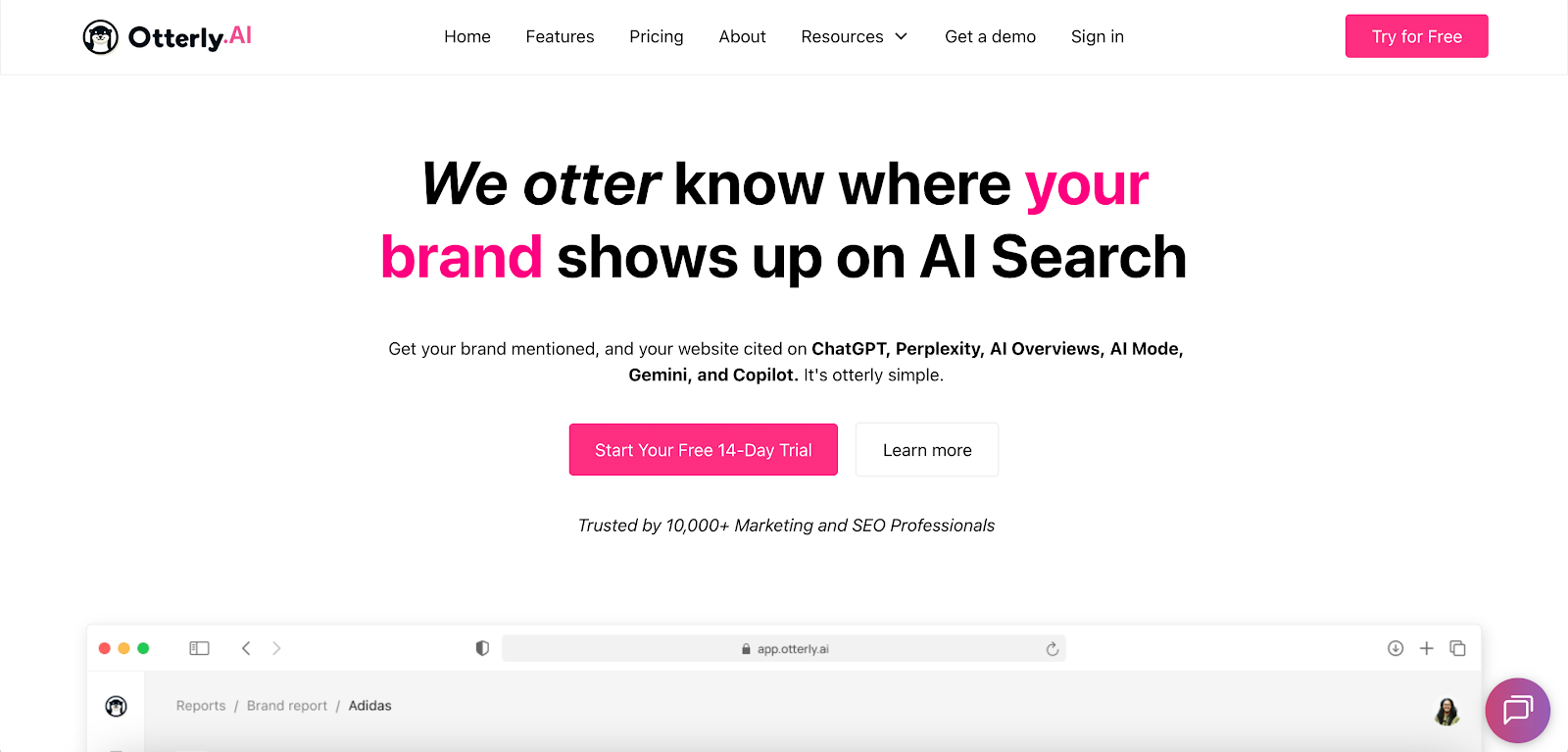
Image source: otterly.ai
Otterly.ai helps you see how your brand shows up across AI search engines. It tracks brand mentions, URL citations, and prompt activity across ChatGPT, AI Overviews, Perplexity, Gemini, and Microsoft Copilot.
This lets you see which pages earn attention, which prompts lead users to your brand, and where you sit compared to others in your space. You can also spot content gaps and find new search queries that guide future content creation.
Key Features
-
Highlights search queries tied to your brand, keywords, and URLs
-
Shows how often AI models use your pages in AI-generated answers
-
Provides URL-level insights across multiple AI engines
-
Exports brand mentions, prompts, and citations for client reporting
-
Supports prompt discovery for marketing teams that want fresh ideas
Pros
Otterly.ai gives you quick insight into how AI assistants form AI answers. It helps you see when AI-generated responses rely on your pages.
You can also review which topics attract users and which URLs receive citations across AI-driven search. This makes it easier to plan content creation and spot new optimization opportunities.
Cons
Users say the dashboard can feel heavy at first. It takes time to adjust if you're used to traditional SEO tools and keyword tracking.
Teams may need a short learning period before they can turn the data into clear next steps. Once the process settles, the insights feel easier to manage.
2. Writesonic
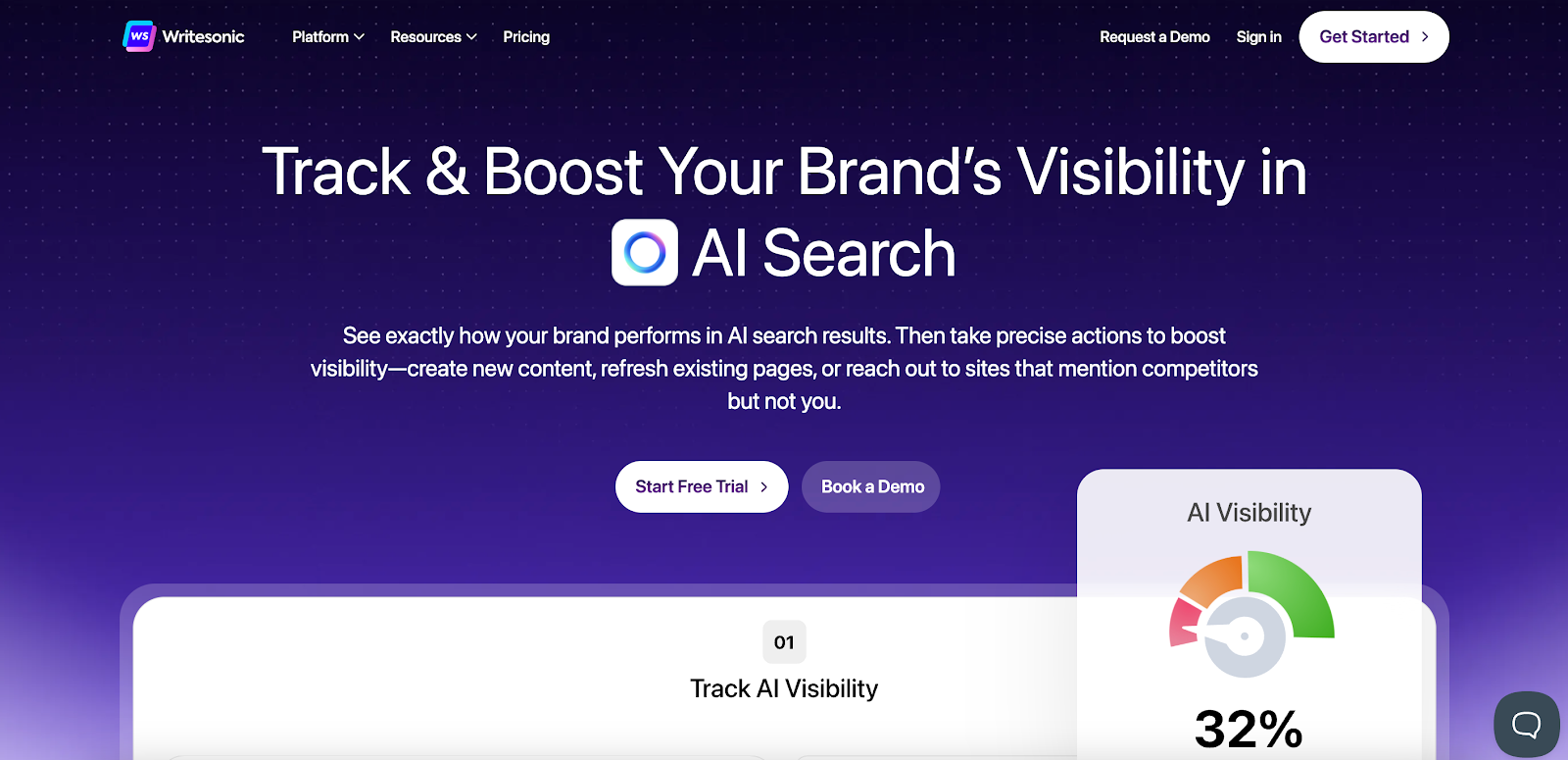
Image source: writesonic.com
With you use Writesonic, you can see how your brand shows up across AI search engines. It tracks brand mentions, citations, and sentiment across ChatGPT, Google AI Mode, Perplexity, Gemini, Claude, and other platforms.
You can also review search queries tied to your brand and compare your visibility with competitors. These insights show which topics draw attention and which pages may need updates or deeper coverage.
Key Features
-
Reviews visibility scores and sentiment across multiple AI models
-
Identifies citation gaps that influence how often you're referenced
-
Audits technical SEO issues and suggests clear fixes
-
Flags pages that lose visibility on search engine results pages
-
Supports AI-powered content generation for content updates
-
Analyzes why competitors earn more citations in AI responses
-
Generates outreach templates for sites that cite competitors instead of you
Pros
Writesonic shows when your pages appear in AI-generated answers and where competitors gain more attention.
You can also review search queries that grow across AI tools, which helps you plan updates without guessing. The AI-powered content tools provide a starting point when you refresh older pages.
Cons
You’ll still need to review the content it creates. Some outputs may include factual errors or plagiarism flags. Users also note that certain technical points may get simplified.
These issues mean your internal capabilities still matter when you check details and finalize updates.
3. Peec AI
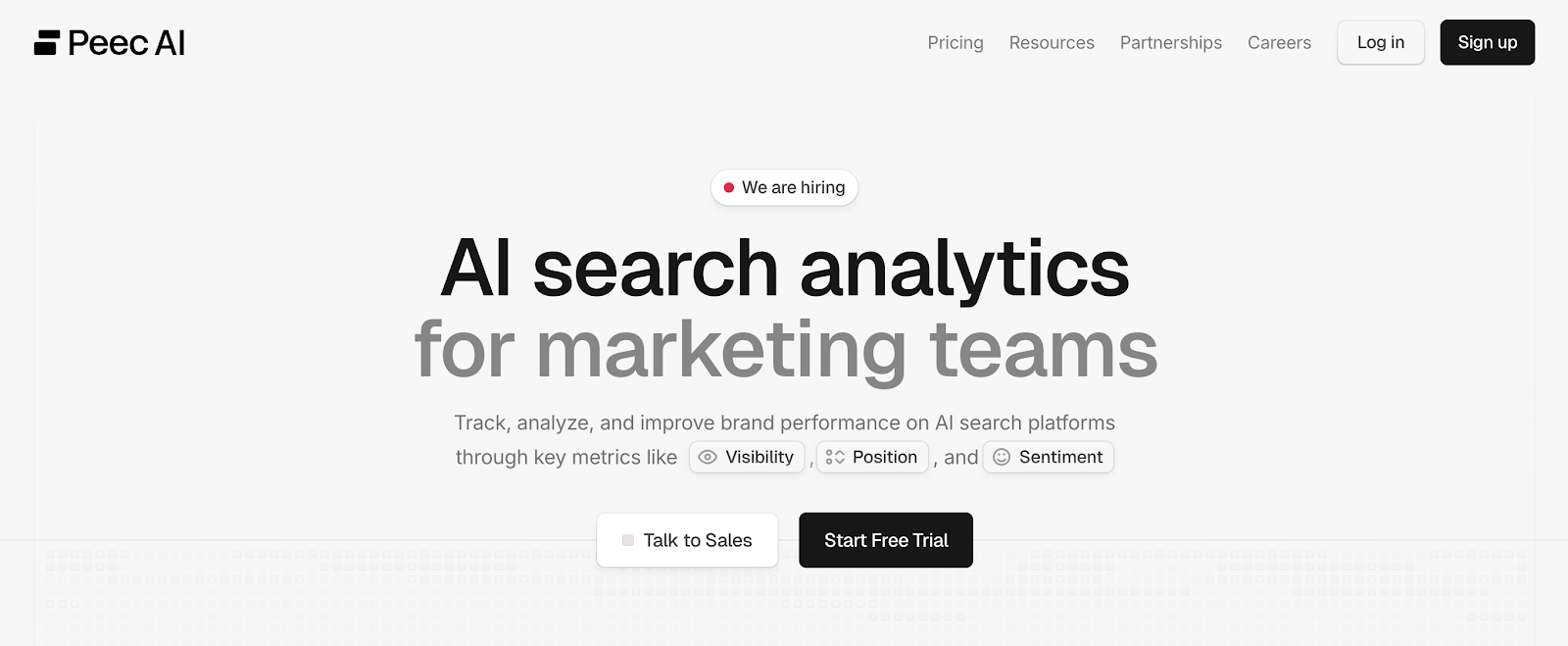
Image source: peec.ai
Peec AI helps marketing teams understand how their brand appears in generative AI search. It tracks brand mentions, citations, and sentiment across ChatGPT, Perplexity, Claude, Gemini, and other AI engines.
You can see which sources AI models rely on, how often your brand appears in AI responses, and where you stand next to competitors.
These insights help you adjust your content strategy and spot content gaps that affect visibility in AI search engine optimization (SEO).
Key Features
-
Compares visibility, position, and sentiment with competitors
-
Identifies sources that influence how AI models reference your brand
-
Surfaces prompts and search queries that trigger brand mentions
-
Highlights content gaps that limit AI visibility
-
Shows visibility and position trends over time
-
Connects to Looker Studio for dashboards
-
Provides an API for deeper integration
-
Exports all prompt and citation data as clean CSV files
Pros
With Peec AI, you can see when your brand appears, which URLs get cited, and how sentiment shifts.
Users say setup feels fast and that source-level insights help them focus on optimizing content that matters most.
It also helps teams understand which prompts drive mentions through other conversational tools.
Cons
Users say the data feels hard to interpret at first, so you may need time to learn the system. Others wish the tool tracked traffic from AI platforms.
They note, though, that Peec AI already covers the most important engines.
4. Profound
Image source: tryprofound.com
Profound maps where your brand appears in AI responses and which sources drive those mentions. It tracks brand citations, visibility, and sentiment across ChatGPT, Perplexity, Claude, Gemini, and other AI engines.
You can see how often your brand shows up in AI answers and which topics create the most activity.
Profound also highlights subjects with high conversation volume. This makes it easier to focus on topics that matter most for AI SEO and pages that should deliver direct answers.
Key Features
-
Reviews sentiment and themes in AI answers
-
Highlights prompts with high conversation volume
-
Surface content gaps where your brand should appear
-
Compares visibility with competitors
-
Tracks changes by time, region, topic, and language
-
Monitors AI crawler activity on your content
-
Reviews technical issues that affect indexing in generative AI search
Pros
Profound shows how AI engines form responses and which URLs they cite most often. You can see which websites influence AI-generated answers and how often your brand appears across key topics.
Some users say setup feels fast and that the data is dependable. Others also like seeing which pages drive visibility and which ones should be updated to deliver immediate answers.
Cons
Users want simpler export options in one place. Others want more long-tail phrases in the Conversation Explorer.
A few also want more guidance on applying visibility insights. These requests show the tool offers reliable data, but teams sometimes want more direction when using it.
5. Scrunch
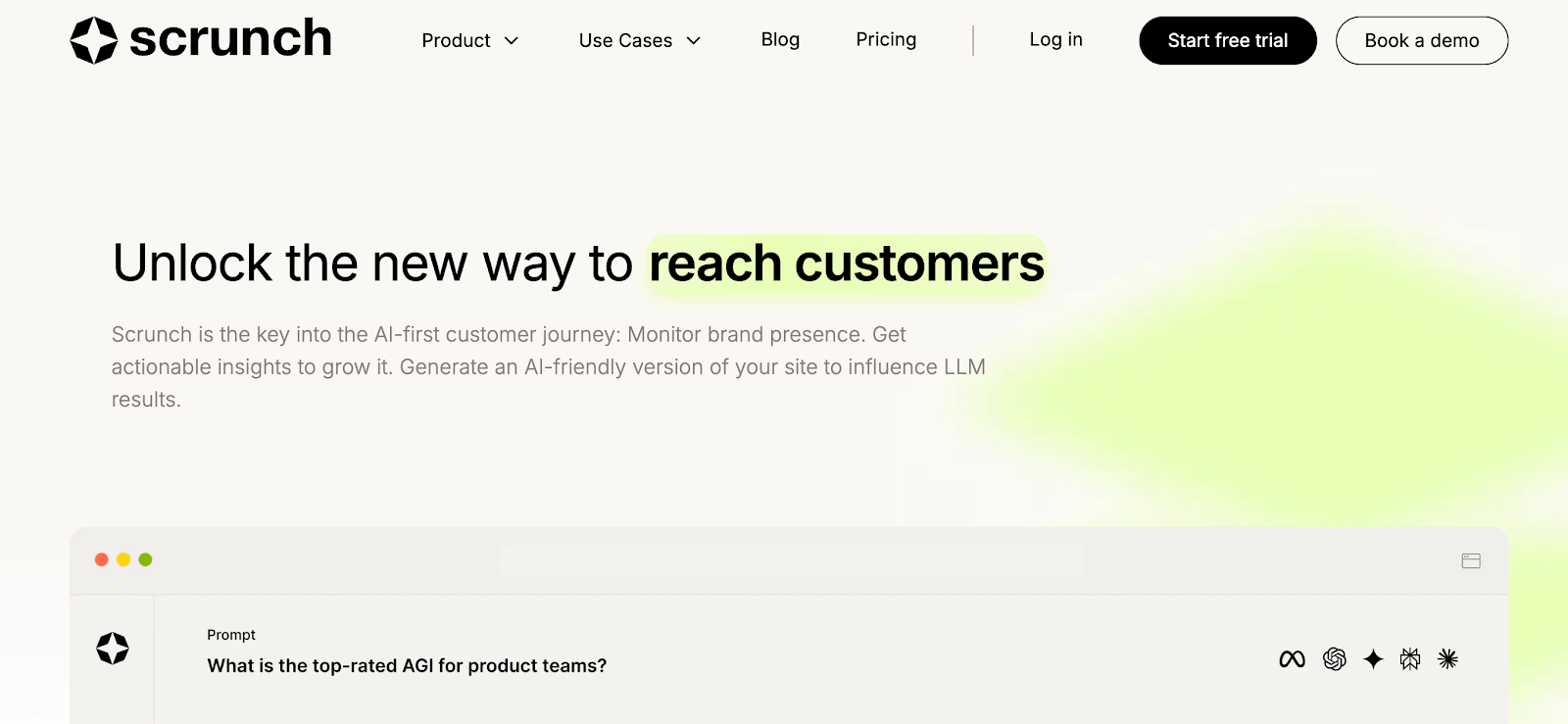
Image source: scrunch.com
Scrunch shows how your brand appears across major AI engines. It tracks visibility, citations, and rankings across ChatGPT, Claude, Gemini, Perplexity, and other platforms.
You can see how often your brand shows up in AI answers and which prompts trigger those mentions. Scrunch also reveals the sites that AI engines cite most often.
This helps you focus on pages that should deliver direct answers and confirm which topics influence your Google search rankings.
Key Features
-
Benchmark your brand against competitors and key personas
-
Filters results by topic, region, model, and prompt variants
-
Detects errors that block AI traffic from reading your content
-
Provides content suggestions based on prompt performance
-
Links each page to the prompts that reference it
-
Generates an AI-friendly version of your site for bot traffic
-
Strips extra code so crawlers can read pages more easily
-
Monitors AI crawler activity in real time
Pros
With Scrunch, you can see how AI engines interpret your pages. You can see which URLs earn citations and which prompts mention your brand.
A few users say the prompt-tracking feature provides a useful starting point for exploring new topics. They also like how visibility data helps them refine pages that should appear above blue links.
Cons
Users say the prompt limit in the starter plan feels tight, especially when they track multiple models.
They also mention occasional gaps in daily tracking, which can make it harder to review short-term changes.
Reporting feels limited without API access, so teams that need custom dashboards may face extra steps.
Some users want clearer explanations when tracking skips or when prompts return incomplete results.
6. AthenaHQ
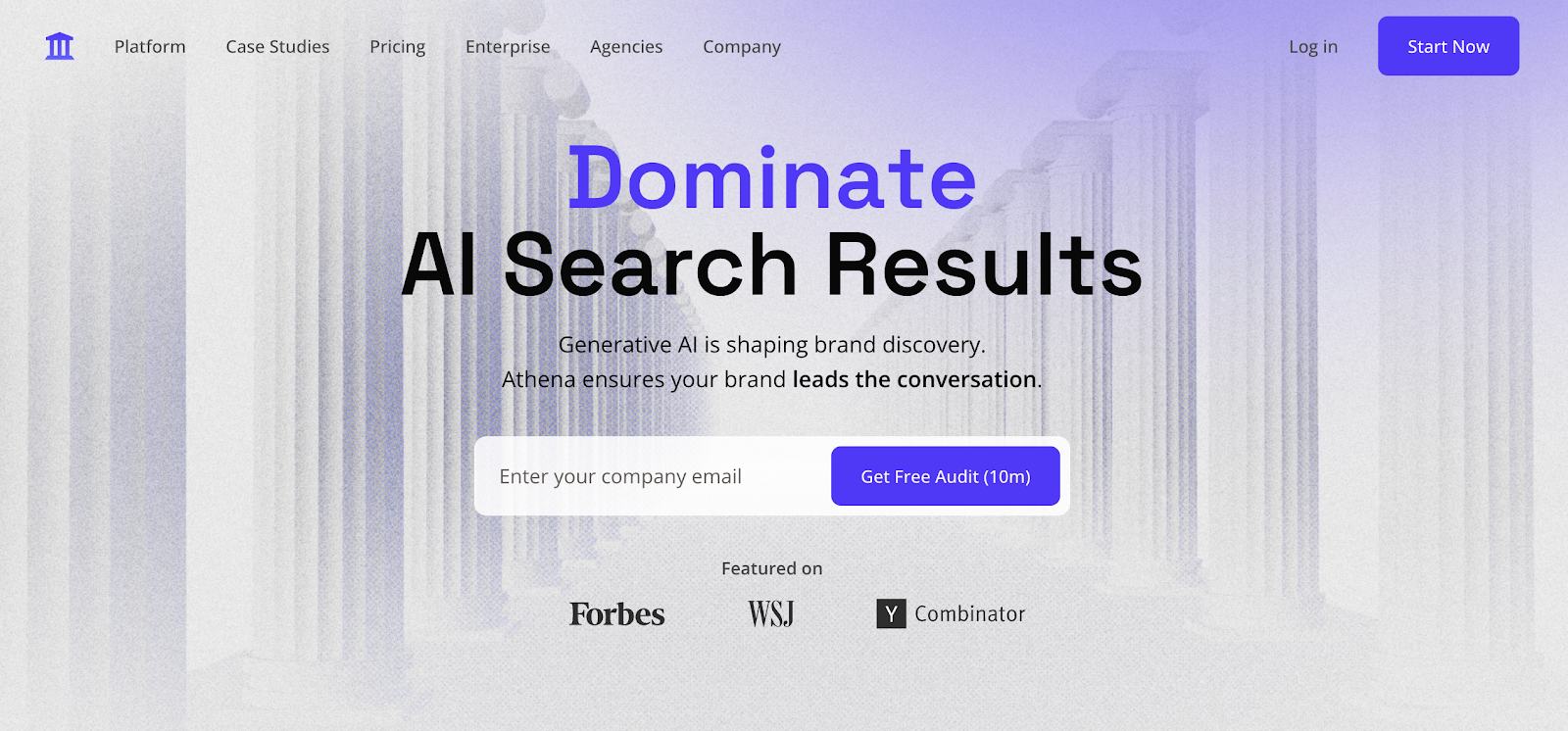
Image source: athenahq.ai
AthenaHQ reports how AI search engines describe your brand across different topics.
It tracks visibility, citations, and prompt activity on ChatGPT, Perplexity, Gemini, Claude, and other models. You can see which prompts shape your niche and how those prompts change over time.
AthenaHQ also identifies gaps in AI knowledge, which helps you find topics where your content should appear but doesn’t.
The platform can create high-quality content drafts as well, which makes updates faster for your team.
Key Features
-
Monitors niche-specific prompts and estimates their volume
-
Identifies new prompts rising in your region or industry
-
Generates AI-optimized content in your brand voice
-
Tracks AI visits to your site with real-time data
-
Provides a live, shareable dashboard for your team
-
Offers competitor monitoring and citation tracking
Pros
AthenaHQ shows which prompts grow across AI engines and how those shifts affect your visibility. You can also see which topics hold interest and which ones require updates.
Users say the platform feels easier to use once they learn the layout. Others also highlight the strong support team and the quick help they receive when questions come up.
Cons
Most users say a few features take extra time to configure. Others want more detail in prompt volume estimates so they can compare topics more precisely.
A few mention minor bugs that appear from time to time. Some teams also want broader summary views to help them review data faster.
These points show the platform is helpful, though certain areas still need more refinement.
How TapClicks Supports Answer Engine Optimization Tools
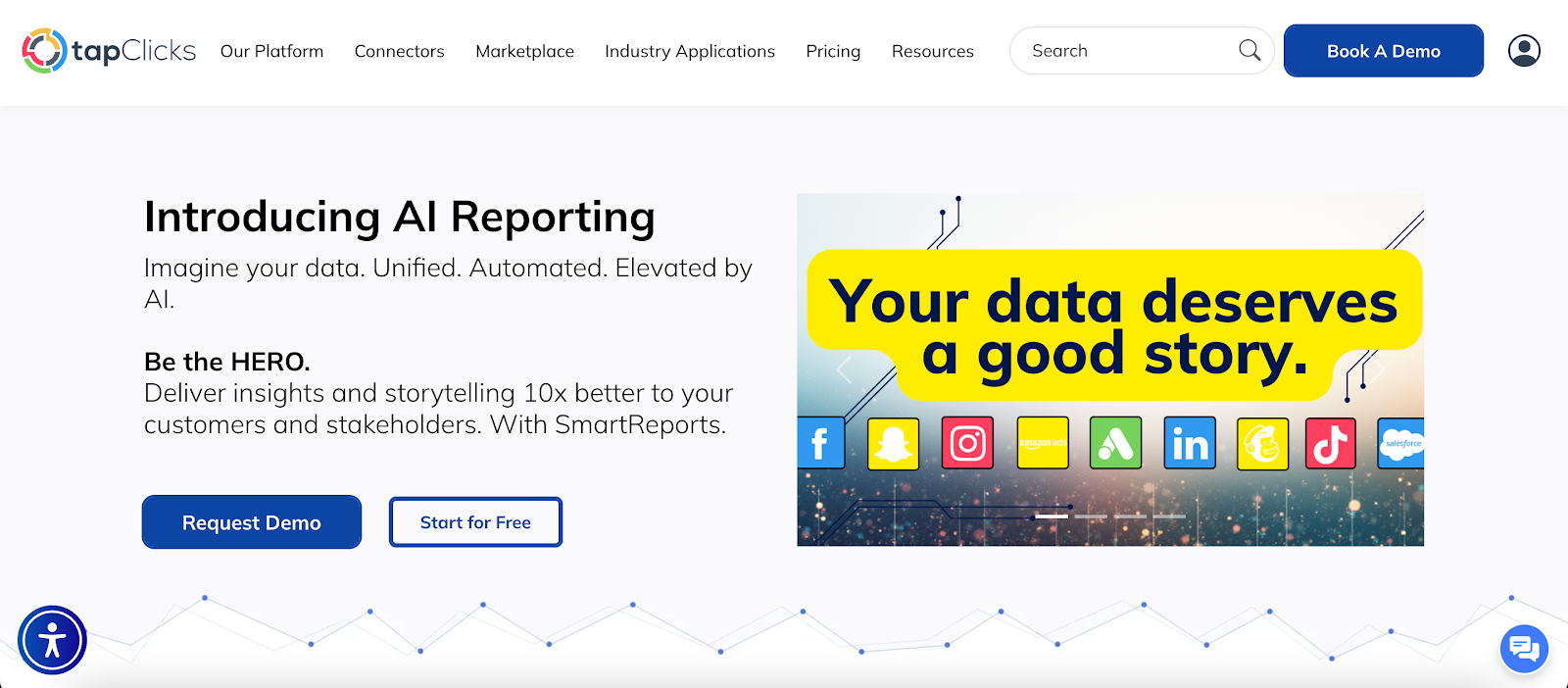
AEO tools show you where your brand appears in AI-driven search. TapClicks shows you why it appears there and how your updates influence that visibility.
It brings data from across your channels into an analytics dashboard so you can support every AEO platform with accurate insights.
Unified Data for AEO Insights
TapClicks connects to more than 10,000 data sources, including Search Console, Google Analytics, social platforms, ad networks, and CRM tools.
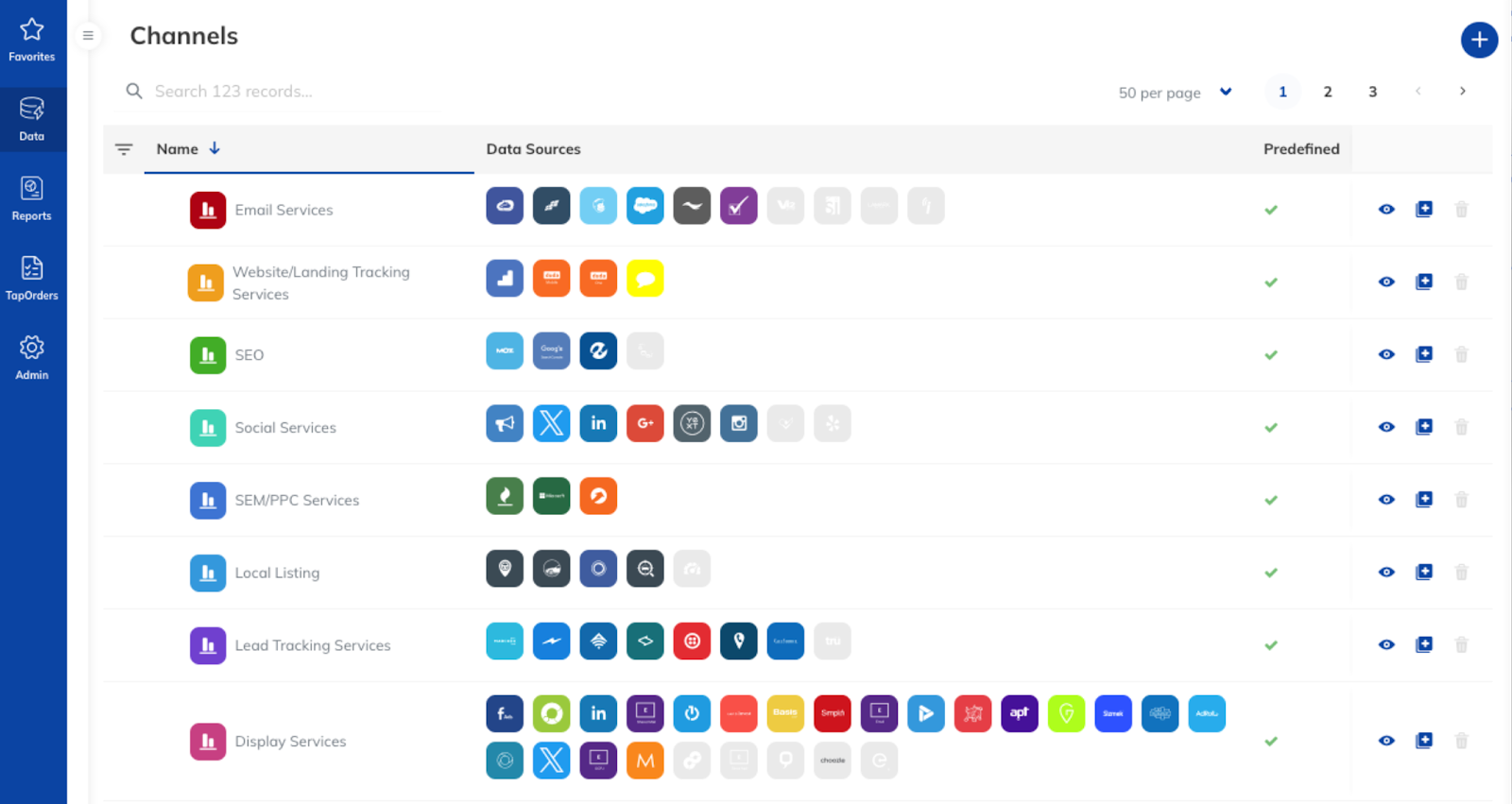
All metrics move into TapData, where they’re organized and easy to compare. This helps you review traffic, engagement, and answer visibility without switching between dashboards.
With everything in one view, it’s easier to see which updates from your AEO tools lead to meaningful changes in AI-driven search.
Organized & Consistent Reporting for AEO Decisions
TapClicks uses automated mapping and normalization to resolve mismatches in fields and inconsistent metrics.
You’ll see clean data across channels, which makes it easier to understand user intent and confirm the effect of content changes.
TapReports and TapAnalytics add dashboards for snippet wins, voice search activity, and AI citations. These tools help you verify patterns surfaced in your AEO platforms without manual reporting.
Automation That Supports AEO Workflows
AI agents help you create custom AEO metrics, such as snippet click-through rate or citation frequency. SmartEmail sends updates straight to your inbox so you’re aware of key changes as they happen.
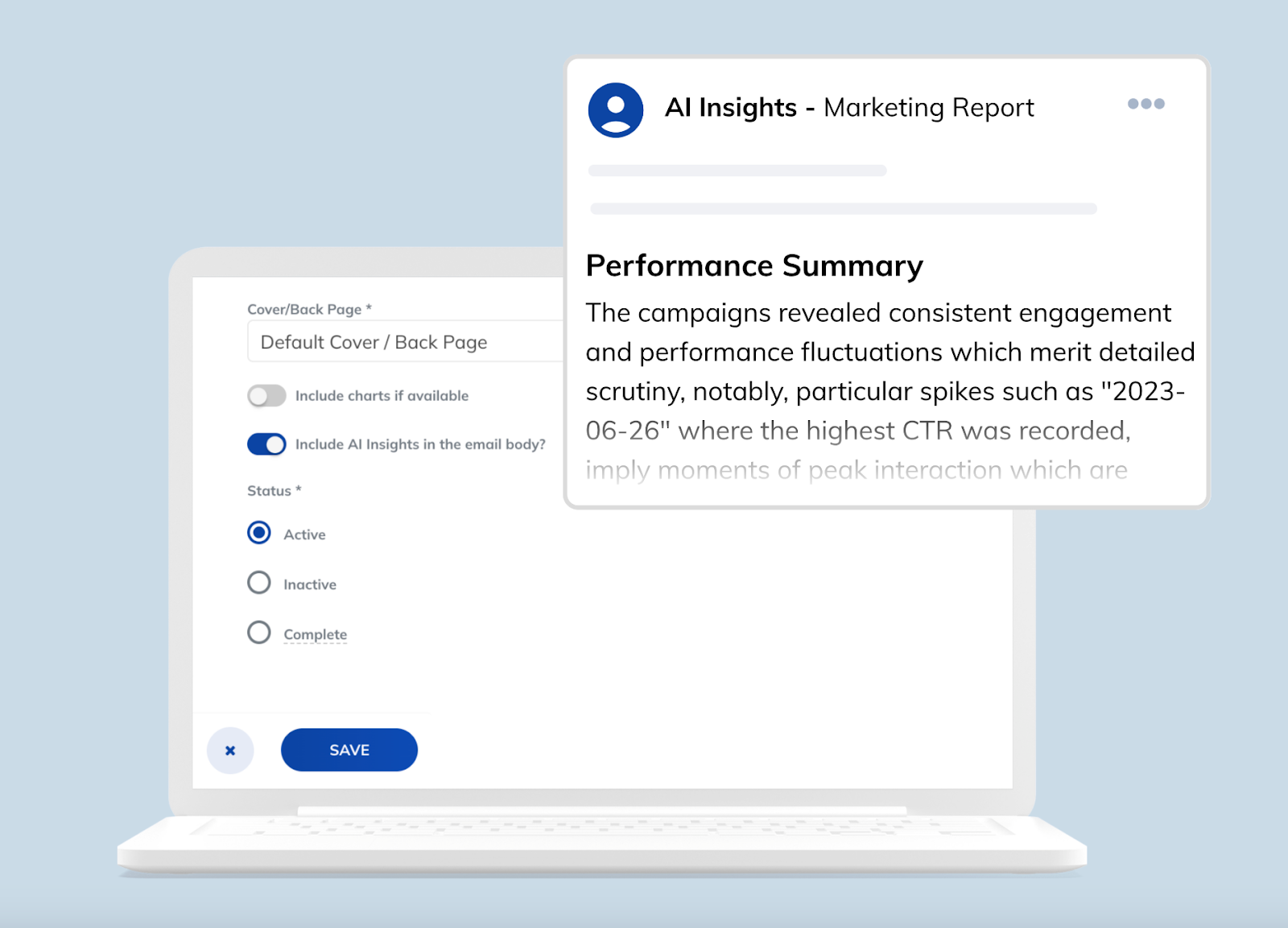
These features help your team act faster as AI-driven search evolves. With key tasks automated, you can focus on refining pages that appear in snippets, AI overviews, and other answer-focused results.
FAQs About Answer Engine Optimization Tools
What is answer engine optimization?
Answer engine optimization tools help you see how AI systems reference your content. They track brand mentions, citations, and prompts across platforms like ChatGPT, Perplexity, Gemini, and Claude.
These tools also show where your content appears in AI-generated answers.
What is the difference between AEO and SEO tools?
SEO focuses on ranking web pages in search results. AEO focuses on appearing in answers produced by AI tools and voice assistants. It targets snippets, AI summaries, and conversational queries instead of blue links.
How does TapClicks support answer engine optimization?
TapClicks brings data from more than 10,000 sources into one platform. It cleans and organizes your metrics so you can confirm trends surfaced in AEO tools.
The platform also offers reporting, automation, and custom metrics that help you track changes in AI-driven visibility.









