
What Are Marketing Analytics Tools?
Marketing teams track results across search, ad, email, and social platforms. Each platform focuses on its own data, so you often see only part of the picture.
Numbers shift, and it becomes hard to understand why a campaign gains attention or falls flat.
Marketing analytics tools solve that problem by unifying your data in one place. You see patterns that matter to your audience and the campaigns that draw interest.
This guide explains what marketing analytics tools do and how to select one that matches the scale and structure of your marketing campaign.
Marketing Analytics Tools Explained
Marketing analytics tools collect data from ads, search results, email platforms, and social media platforms.
They measure website traffic, user behavior, and other key metrics that influence your marketing performance.
Each tool records the source of a visit, the actions a user takes, and the point where that user exits. These tools measure various metrics, such as customer acquisition cost (CAC) and click-through rate (CTR), that guide marketing activities.
Teams compare results across different marketing channels and study patterns that show how people react to specific messages.
A capable marketing analytics platform organizes raw data and turns it into useful marketing insights. It helps you understand the full customer journey.
Why Are Marketing Analytics Tools Important?
Marketing analytics tools are important because they reduce uncertainty in planning.
They show which efforts gain traction and which efforts lose momentum. This keeps choices tied to measured patterns instead of assumptions.
They also prevent conflicts across departments. Separate tools often produce different numbers. A shared source keeps everyone grounded in the same facts.
These tools support long-term optimization. They reveal slow shifts in interest and patterns that short reports don’t capture.
This helps marketers adjust topics, timing, and channel mix before performance drops.
Key Functions of Marketing Analytics Tools
Marketing analytics tools organize marketing data from many sources. This helps teams see consistent patterns in their marketing efforts.
These are the core functions you should expect from a dependable platform.
-
Data collection: Tools collect marketing data from websites, ad platforms, social media platforms, email systems, and CRM systems. They unify this information through automated data collection and stable marketing integrations.
-
Data visualization: Marketing analytics software presents information through customizable dashboards. These dashboards convert raw numbers into charts that track key metrics across various platforms.
-
Multi-channel tracking: Marketing tools trace user interactions across every platform. They record each visit, each view, and each step that leads to a result.
-
Predictive analytics: Some platforms use predictive analytics to project how specific segments may respond to future content.
-
Customer data analysis: Teams study customer behavior, engagement metrics, and user interactions. This shows how people respond to campaign messages.
-
Cost and budget analysis: Tools track customer acquisition cost and compare spend with results across channels.
These functions help teams gain insights from their data and refine marketing strategies with concrete evidence.
Types of Marketing Analytics Tools
Teams use several categories of marketing analytics tools to study specific parts of the customer journey.
Each category focuses on different signals and supports data-driven decisions across your marketing programs.
Web Analytics Tools
Web analytics tools study how visitors read, scroll, and exit pages. A platform such as Google Analytics tracks device types, referral paths, and page timing.
These metrics help teams analyze user behavior and understand how people react to page layout.
If a page loses repeat visits after a layout update, the team can adjust the structure or navigation.
These tools also support keyword research and highlight search engine optimization (SEO) patterns that influence long-term traffic.
Social Media Analytics Tools
Social media analytics tools study comment volume, video completion, profile reach, and pacing. They reveal how audience groups respond to specific tones or themes.
Teams use these signals to shape content marketing strategies across several marketing platforms.
For example, if a short clip creates higher user engagement than a long graphic, the team can focus on shorter formats in future posts.
These tools also support competitor analysis by showing differences in topic selection and posting frequency.
Email Marketing Tools
Email marketing tools track opens, clicks, link paths, and scroll depth inside the email. They show which topics hold attention and which topics readers skip.
If a subject line loses clicks, the team can adjust the theme or timing. These tools help teams segment their lists and study how different groups respond to the same message.
SEO Analytics Tools
SEO analytics tools monitor query patterns, link profiles, and ranking shifts. They show how search engines evaluate page structure and which queries deserve coverage.
Teams refine content when the tool identifies rising search terms or signals that a page loses position to a competing result.
These tools help teams plan pages that answer specific terms with direct information.
Customer Data Platforms
Customer data platforms store customer profiles, purchase paths, and engagement history. They show how each step of the customer journey connects.
For example, a visitor may compare plans, open several emails, and return through mobile apps before taking the next step.
A customer data platform records each stage and helps the team decide how to route messages or adjust the marketing budget.
These platforms also support customer journey mapping by linking touchpoints across channels.
Essential Features to Look for in Marketing Analytics Tools
The right marketing analytics tool should support daily review and steady refinement across your marketing programs.
Make sure to consider these features when looking for the best marketing analytics tools.
-
Data accuracy: Tools should store values without rounding or loss. Precise capture keeps trend lines stable and preserves monthly comparisons.
-
Update frequency: Platforms should refresh data at predictable intervals. Slow refresh cycles distort marketing campaign performance and delay decisions.
-
Permission structure: Marketing analytics software should support role-based access. Large teams need clear boundaries between editing rights and viewing rights.
-
Scalability: Systems should handle thousands of rows without delays. This guarantees report stability as teams expand marketing programs.
-
Interface clarity: Interfaces should keep charts, filters, and menus visible. An intuitive interface reduces training time and supports consistent use.
-
Support quality: Vendors should maintain clear logs, consistent troubleshooting steps, and reliable response times. This helps users resolve data issues without long pauses.
These criteria help you judge which marketing analytics tools are worth long-term adoption.
How Marketing Analytics Tools Support Campaign Optimization
Marketing analytics tools support campaign refinement by showing concrete shifts in audience response. Each function below focuses on measurable outputs that influence marketing decisions.
A/B Test Reporting
A/B test reporting compares controlled versions of a page, ad, or email. Reports list click paths, scroll depth, and dwell time.
If Version A draws clicks near the top and Version B draws clicks near the bottom, the pattern shows how readers process structure.
These reports help analysts adjust headline order, link placement, and content length. They also provide actionable insights that support data-driven decision-making across future campaigns.
Budget Allocation Recommendations
Marketing analytics tools track how each placement uses the marketing budget. They list the cost per visit, the cost per lead, and the total volume.
If one channel produces steady traffic at a lower cost, planners can shift funds toward that placement. If another channel declines across several cycles, the platform highlights that shift early.
These patterns help organizations optimize marketing campaigns through numbers rather than instinct.
Identifying Strong vs. Weak Marketing Channels
Channels create different session lengths, scroll patterns, and repeat visits. Search may result in long sessions, while display ads may result in brief pauses.
Marketing analytics tools compare these differences and show which channels support consistent activity.
These comparisons guide content refresh cycles and help planners decide where to introduce new topics.
Improving Targeting and Personalization
Marketing analytics software links audience traits to actions such as reading depth or link order preference.
One segment may prefer long guides. Another segment may choose short summaries.
These patterns support personalization choices that match reading habits and improve customer engagement.
Role-Based Applications of Marketing Analytics Tools
Marketing analytics tools support several roles across an organization. Each role focuses on different parts of campaign performance.
Marketing managers review traffic patterns and segment activity. They watch how specific topics perform across channels and decide which assets need updates.
SEO specialists study marketing trends, ranking shifts, and link profiles. This detail helps them adjust metadata, revise headers, and plan pages based on confirmed search behavior.
These insights create valuable insights for content planning.
Product managers focus on movement inside product pages or app flows. They look at each step users take and identify paths that slow progress.
This helps them revise layouts and optimize sections that influence customer satisfaction.
Sales representatives check which topics attract visits from prospects. They match conversations to the pages those visitors viewed and share assets tied to those interests.
How TapClicks Unifies Your Marketing Analytics
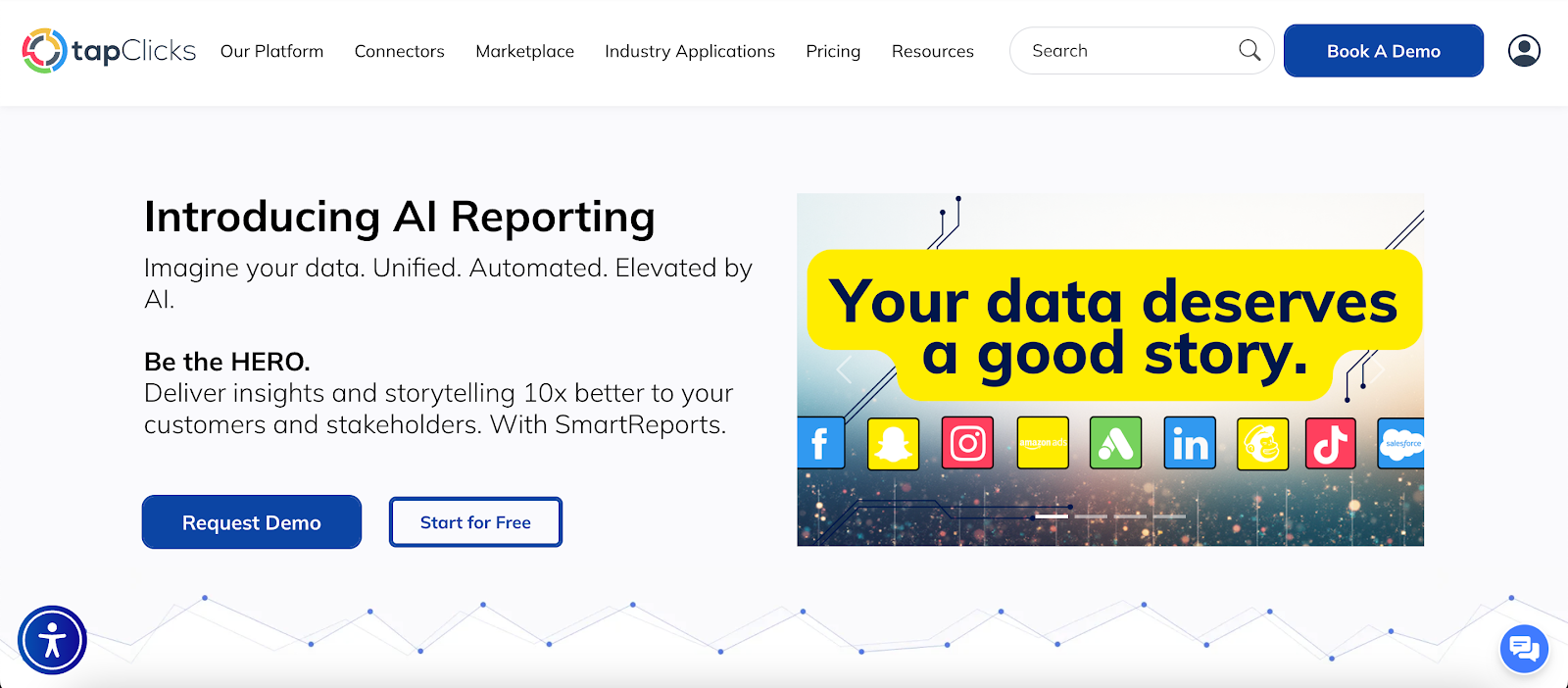
TapClicks connects intake, task routing, data storage, dashboard review, and reporting in one platform.
Agencies and marketing groups use it to manage complete campaign cycles without switching between other marketing tools.
Centralized Campaign Intake
TapOrders records and orders as soon as a deal closes. Sales groups use catalogs and templates to list budgets, placements, and channel combinations such as Instagram plus Facebook ads.
Each record moves through sales, account management, and creative groups without format changes.
Clients submit orders in a portal, and vendors confirm services and submit payments through the same system.
Coordinated Execution Workflow
TapWorkflow assigns tasks when an order enters production. Each task holds comments, files, timestamps, and status updates.
Workflows follow creative steps, approvals, fulfillment, and delivery. Rejection and cancellation paths record shifts without erasing prior actions.
The interface lists only active tasks. Integrations with Facebook Ads, WideOrbit, and AffinityX support campaign launch inside TapClicks.
Webhooks send data to external platforms for business intelligence or marketing automation needs.
Unified Analytics and Dashboards
TapReports creates dashboards, slide reports, and scheduled exports for platforms like Google Sheets or Tableau.
ReportStudio builds slide decks that update when warehouse data changes. This keeps monthly, quarterly, and yearly reports aligned without manual chart rebuilding.
Teams reuse the same template across many accounts, since each chart pulls live values from the data warehouse. This helps users deliver accurate results across high-volume portfolios.
Full Lifecycle Context
TapOrders and TapWorkflow store each decision at the start of the campaign. TapAnalytics and TapReports show the results tied to those decisions.
This connection creates a full record from planning to performance review. Marketing groups use this continuity to match actions with later outcomes and refine plans.
FAQs About Marketing Analytics Tools
Which tool is commonly used for marketing analytics?
Google Analytics is one of the most commonly used marketing analytics tools. It tracks website traffic, user paths, and key behavior patterns.
Many organizations pair it with the best marketing analytics software when they need multi-channel campaign management.
What are the four types of marketing analytics?
The four types are descriptive, diagnostic, predictive, and prescriptive analytics. Descriptive analytics shows what happened. Diagnostic analytics explains why it happened.
Predictive analytics estimates future outcomes. Prescriptive analytics recommends the next step based on those patterns.
What are the market analysis tools?
Market analysis tools include survey platforms, competitive research tools, keyword research tools, and financial modeling systems.
These tools help users study demand shifts, pricing patterns, and competitor behavior. They also help organizations decide which marketing analytics tools are worth adopting for long-term planning.
What are the five Cs of marketing analysis?
The five Cs are Company, Customers, Competitors, Collaborators, and Climate. This framework helps marketers study internal strengths, audience behavior, market rivals, partner roles, and outside forces that influence strategy.









