
Top 8 Tools for Building an SEO Reporting System
Do your search engine optimization (SEO) reports make sense at a glance, or do they take too long to explain?
An SEO reporting system collects keyword rankings, organic traffic, and technical SEO data, then presents it in a format clients can understand. It replaces scattered tools and manual exports with a more organized setup.
An SEO reporting tool is just one application. A reporting system combines multiple tools, data sources, and workflows for ongoing analysis.
This article highlights eight SEO reporting tools you can combine into your SEO reporting system, so you can choose what works best for your workflow.
TL;DR
Here are eight SEO reporting tools you can include in your SEO reporting system:
-
Looker Studio
-
AgencyAnalytics
-
SE Ranking
-
Semrush
-
Ahrefs
-
Whatagraph
-
DashThis
What Is an SEO Reporting System?
An SEO reporting system is a combination of tools, data sources, and reporting workflows used to track and present SEO performance over time.
It connects platforms like Google Analytics and Google Search Console with rank tracking, backlink analysis, and reporting dashboards.
This setup gives you a complete view of performance without switching between tools or exporting data manually.
SEO reporting systems track the core metrics that show how search performance changes:
-
Organic traffic and how much traffic comes from search
-
Keyword rankings and keyword performance in search results
-
Conversion rates from organic visits
-
Backlinks, including new links and domain authority
-
Technical SEO health from site audits
-
Competitor performance for comparison
With these SEO metrics connected, it’s easier to review results and adjust your SEO strategy.
That visibility depends on how data is collected and organized. Agencies build this system by combining SEO reporting tools with data sources.
Top 8 Tools to Consider for Your SEO Reporting System
These are eight SEO reporting tools commonly used to build an SEO reporting system for agencies and marketers.
1. TapClicks
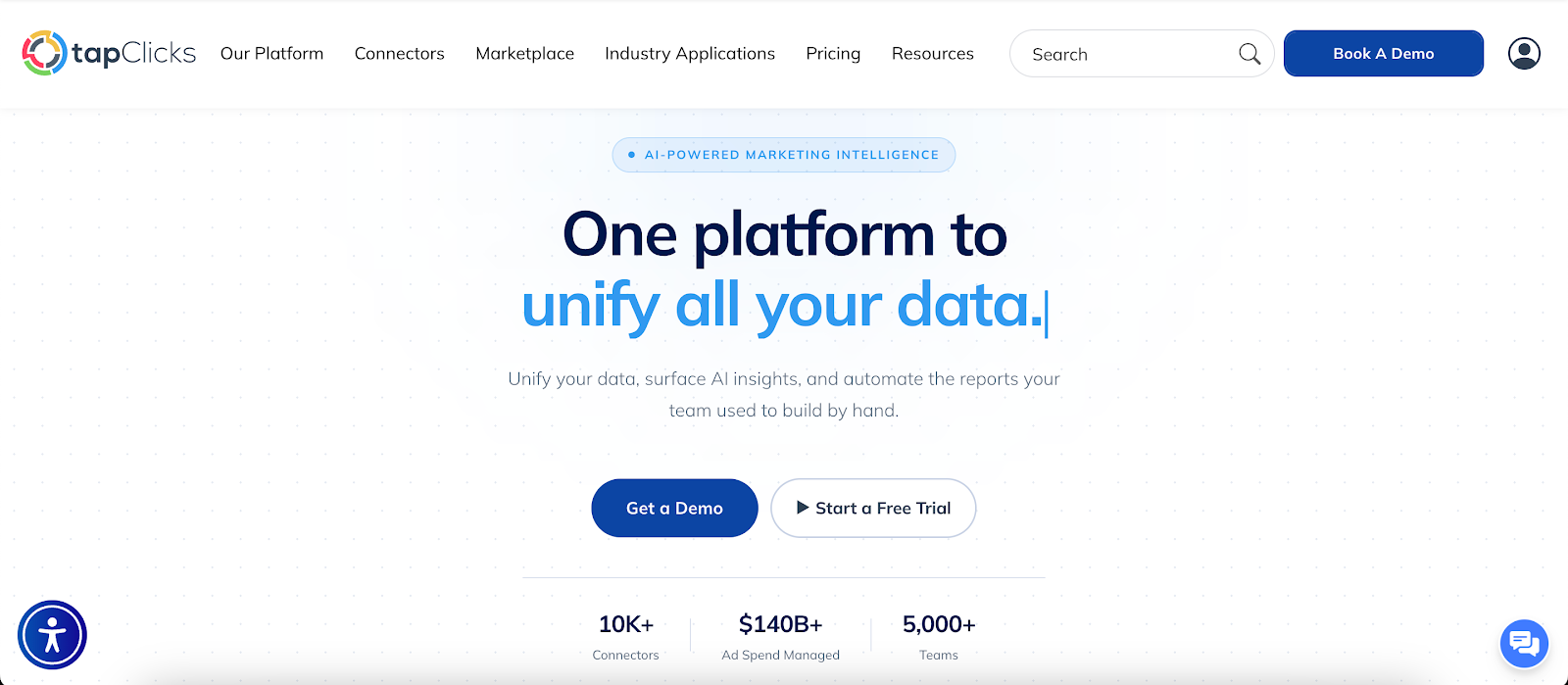
TapClicks is a marketing intelligence and reporting platform with strong SEO reporting capabilities.
It connects data sources like Google Search Console, then brings SEO metrics, traffic trends, and reporting into a single reporting environment.
Report Studio is the main reporting workspace. It works like a presentation editor, so you can add charts, tables, text, and pages in the same workspace.
Once you save a report layout, you can reuse it for future reporting periods.
Key Features
-
Connects Google Analytics 4 (GA4), Google Search Console, Google Ads, Facebook Ads, HubSpot, and more
-
250 plus native connectors and 10,000 plus SmartConnector integrations
-
Automated data normalization for consistent reporting
-
Franchise and multi-location hierarchy support
-
Keeps SEO metrics and traffic trends in one dashboard
-
Includes Report Studio with Design Templates, Freehand, and Report Templates
-
Exports reports as PDF or editable PowerPoint files
-
Schedules reports for daily, weekly, monthly, or custom delivery
-
Applies white-label branding to reports
-
Shares dashboards through access links
-
Includes SmartReports, SmartSlides, SmartEmail, and SmartStory
-
Displays connected data sources for validation before delivery
-
Accepts CSV and XLS files alongside connected data
Report Studio for Custom SEO Reports
Report Studio gives you a visual workspace for custom SEO reports. You can start with a prebuilt layout, choose Freehand for a blank canvas, or use a report template that includes layout and data.
Each chart connects to SEO data inside TapClicks. You can publish the finished report as a reusable template, export it right away, or schedule delivery.
AI Reporting for Summaries and Presentations
TapClicks AI Reporting turns performance data into written summaries and presentation content.
SmartReports writes report narratives, SmartSlides prepares decks, and SmartEmail sends short updates that highlight key changes.
SmartStory generates presentations with visuals and narrative. AI Context adds business details like messaging guidance, key performance indicators (KPIs), benchmarks, and performance history, so outputs stay relevant to each account.
Report Delivery and Client Access
TapClicks also covers report delivery. Reports can go out as PDFs, editable PowerPoint files, dashboards, or scheduled emails to multiple recipients.
White label branding keeps logos, colors, and presentation style cohesive. That helps agencies managing multiple clients send professional reports without reworking formats.
Book a demo with TapClicks to see how it simplifies SEO reporting!
2. Looker Studio

Image source: lookerstudio.google.com
Looker Studio, formerly Google Data Studio, often serves as the dashboard layer, turning SEO rankings and traffic data into reports teams can share.
It connects with Google Analytics, Google Search Console, and hundreds of partner connectors, so you can view SEO results from multiple data sources in one report.
It’s a common choice for marketing teams that want custom dashboards inside the Google ecosystem.
You can track SEO performance, keyword rankings, click-through rates (CTRs), and traffic trends, then share reports through links, embedded pages, or scheduled PDF emails.
Key Features
-
Connects Google Analytics, Google Search Console, BigQuery, and 600-plus partner connectors
-
Custom dashboards with charts, tables, filters, and date range controls
-
Drag and drop editor with templates and layout controls
-
Link sharing, embedding, and view or edit permissions
-
Scheduled PDF delivery for automated reports
-
Real-time data from connected sources
-
Application programming interface (API) access for asset management and migration
Strengths
Looker Studio gives you room to customize reports around your SEO efforts.
You can combine marketing data from different sources, set date ranges, adjust layouts, and build custom metrics that match your reporting process.
It also suits teams that already use Google tools. Google Analytics, Google Search Console, and Google Ads connect naturally, which makes setup easier for in-house marketers and SEO agencies.
Limitations
Large reports can get slow, especially when they include many charts or heavy data sources. Dashboards may take longer to load or update, which can slow down reporting when you’re trying to review data.
Connector issues can also get in the way. When a connector stops working, fixes may take manual effort, and data modeling can demand more technical skill than many marketing teams want to spend on a reporting tool.
3. AgencyAnalytics
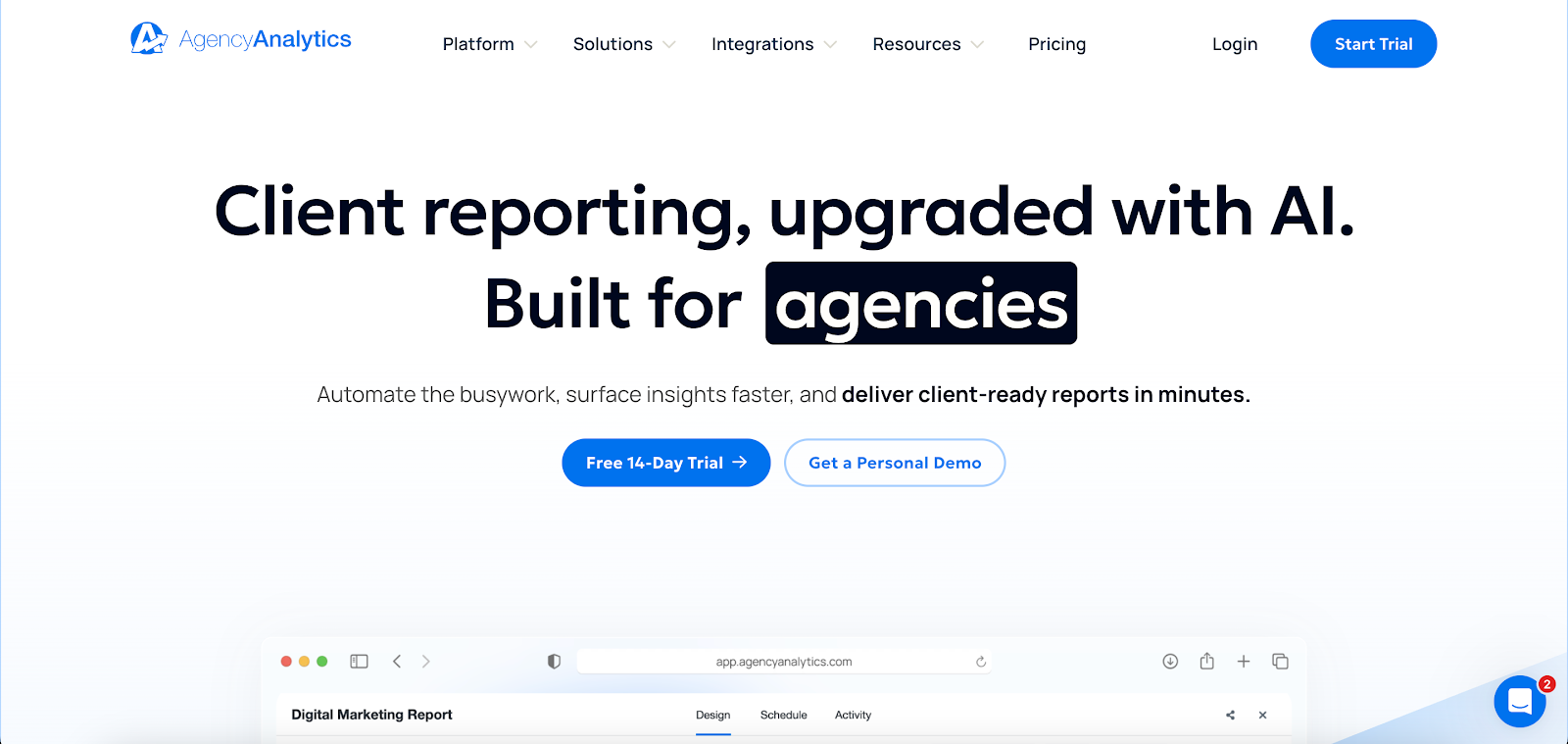
Image source: agencyanalytics.com
AgencyAnalytics combines data collection and client reporting in the same platform, so agencies can manage rankings, audits, and reports together.
You can use it to monitor SEO campaigns, review key metrics, and send automated SEO reports on a schedule. White-label reporting also helps agencies send branded dashboards and reports to clients.
Key Features
-
White-label SEO reports with custom branding
-
Automated SEO reports with scheduled delivery
-
Keyword tracking for Google, Google Maps, and Bing
-
Backlink tracking with new and lost links
-
Site audits with SEO health metrics
-
85 plus integrations, including Google Analytics, Search Console, Ahrefs, and Semrush
-
Custom dashboards with drag and drop widgets
-
Goal tracking with progress bars
-
Annotations and comments for client reporting
Strengths
AgencyAnalytics is useful for agencies that need one place for rankings, backlinks, audits, and reporting.
You can review SEO results, add notes to charts, and show clients how campaigns perform against traffic or conversion goals.
It also helps with recurring client reporting. Scheduled reports, branded dashboards, and ready-made templates cut down on routine reporting work.
Limitations
Some metrics lack clear definitions in reports and widgets. When a client asks how a number was calculated, the platform may not provide enough detail.
Data may not always match what appears in Google Analytics or Search Console. That can lead to follow-up questions during client reporting.
Setting up dashboards and widgets can also take time, especially when each client needs a different layout or set of metrics.
4. SE Ranking
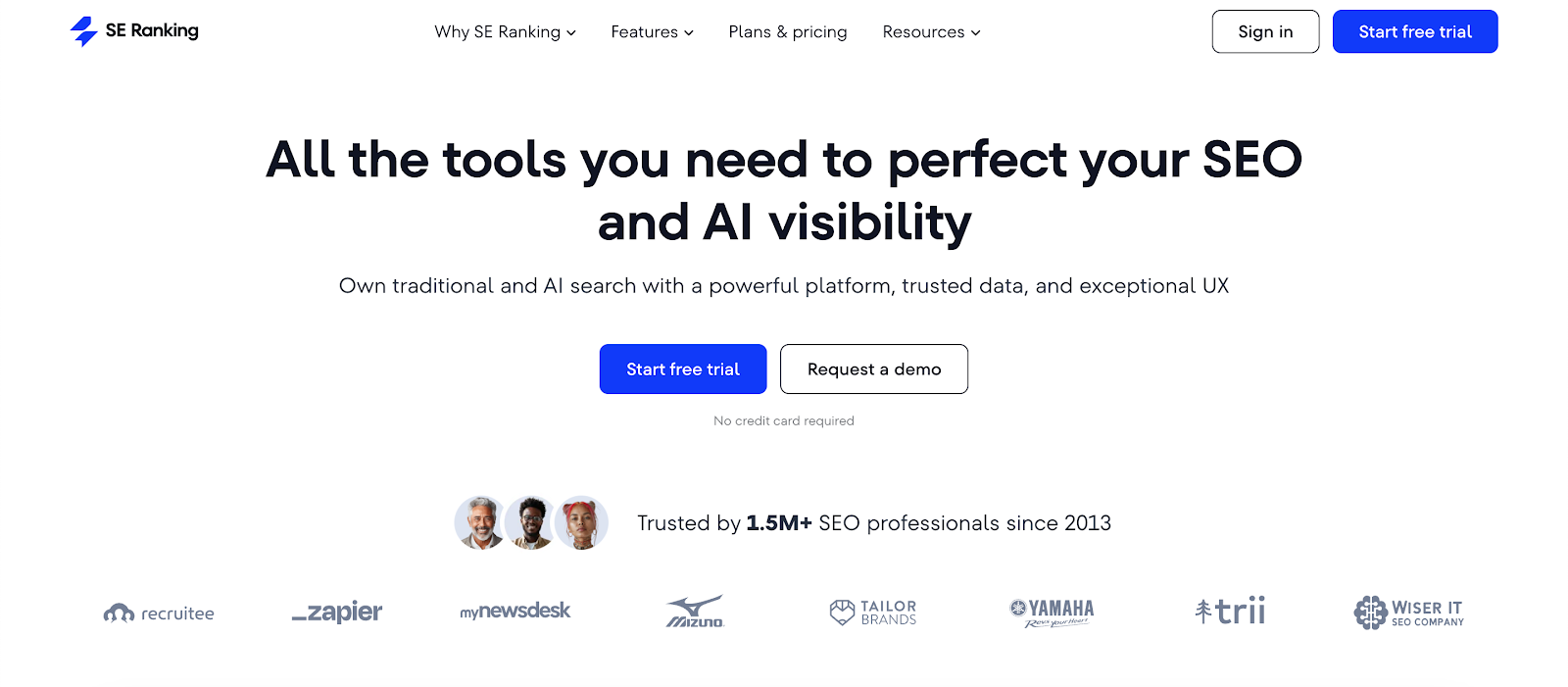
Image source: seranking.com
SE Ranking is an SEO reporting software that combines rank tracking, website audits, backlink monitoring, and reporting within a single interface.
It connects with GA4 and Google Search Console, so you can review search performance, keyword data, and audit results together.
You can create reports using built-in templates, customize them for each client, and send them on a schedule. Guest links also let clients view live reports without needing platform access.
Key Features
-
Unlimited SEO report templates with customizable layouts
-
White label SEO reporting with branded reports and emails
-
Scheduled report delivery via email
-
Guest links for live report access
-
Keyword tracking with search volume, difficulty, and ranking data
-
Backlink reporting with new and lost links
-
Website audits with over 100 technical SEO checks
-
Local SEO reporting with Google Business profile data
Strengths
SE Ranking keeps SEO data and reporting in the same workflow. Users can track keyword performance, review website audits, and monitor backlinks without switching between many SEO tools.
Reports can be adjusted based on what each client needs. You can include keyword rankings, audit summaries, or competitor analysis, then send updates through email or share access through a live link.
Limitations
The platform includes several tools, and each one sits in a different section. It can take time to understand how rankings, audits, and reports connect, especially at the start.
Some reports need extra review before sending. Data like keyword rankings or audit results often need context, particularly when clients ask about changes in search engine results.
5. Semrush
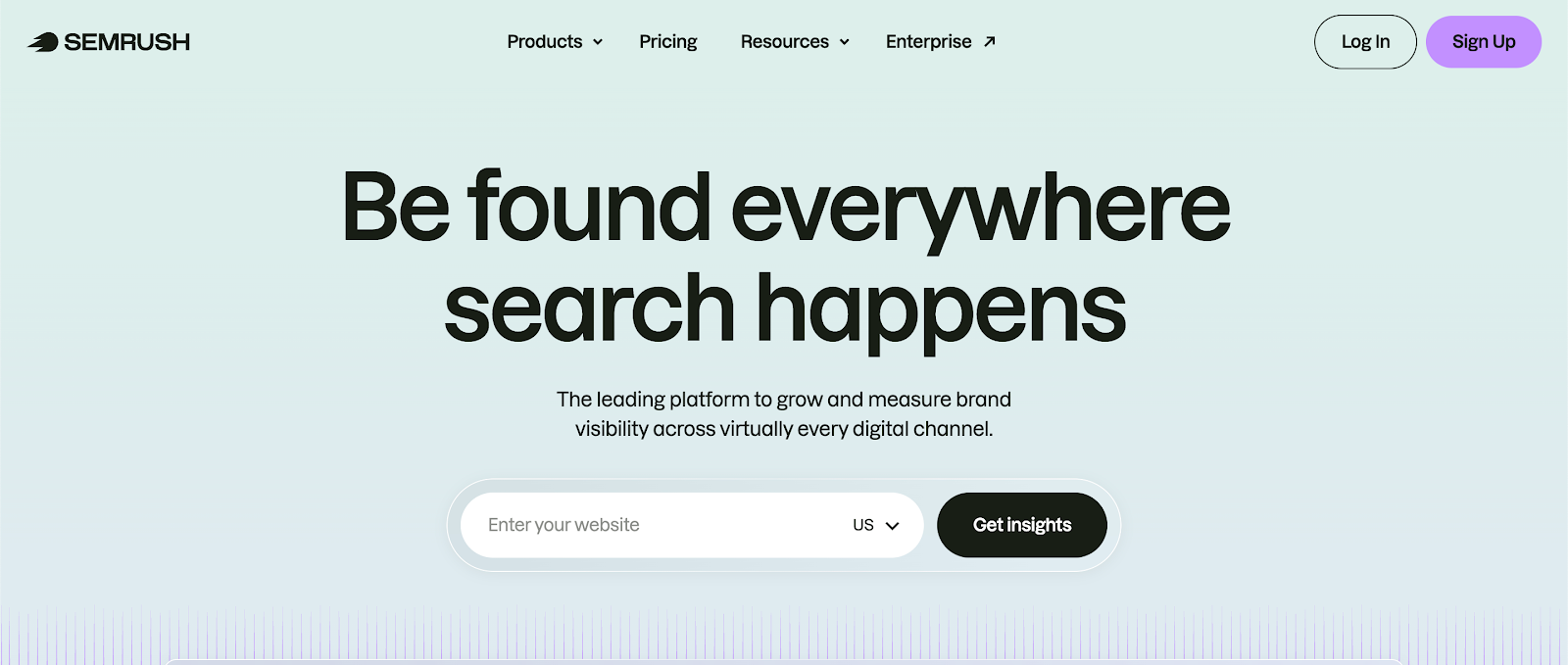
Image source: semrush.com
Semrush is an SEO reporting tool within a larger SEO and marketing suite. Its My Reports feature lets you assemble reports with data from Semrush tools, Google Analytics, and Google Search Console.
That setup makes it useful for teams that already use Semrush for keyword research, site audits, and backlink analysis. You can review SEO data and broader campaign data in the same report.
Key Features
-
My Reports builder with 200-plus widgets
-
White-label reports with custom branding
-
Scheduled report delivery through email or shareable links
-
Integration with SEO, pay-per-click (PPC), social, and analytics data
-
Keyword tracking and position monitoring
-
Backlink analysis with link quality insights
-
Site audits with technical SEO checks
-
AI summaries that highlight trends and changes
-
Export options include PDF, CSV, and Excel
Strengths
Semrush lets you assemble reports with rankings, traffic, backlinks, and site health in one view. That’s useful for monthly reporting when clients want both SEO results and supporting context.
It also covers more than SEO. If you report on multiple marketing channels, you can include PPC, analytics, and other campaign data in the same document.
The report builder also supports client proposals and executive summaries. That gives agencies another way to present SEO performance without writing every update from scratch.
Limitations
Many advanced features and access to deeper historical ranking data are only available on higher-tier plans. If you need that level of detail, you’ll likely have to upgrade.
Several metrics are estimates, including keyword volume, traffic, and backlink data. Those numbers can still be useful, but they need a second look in Google Search Console, GA4, or the search results themselves.
Position tracking can also get expensive when you monitor a large keyword set across multiple locations or devices.
6. Ahrefs
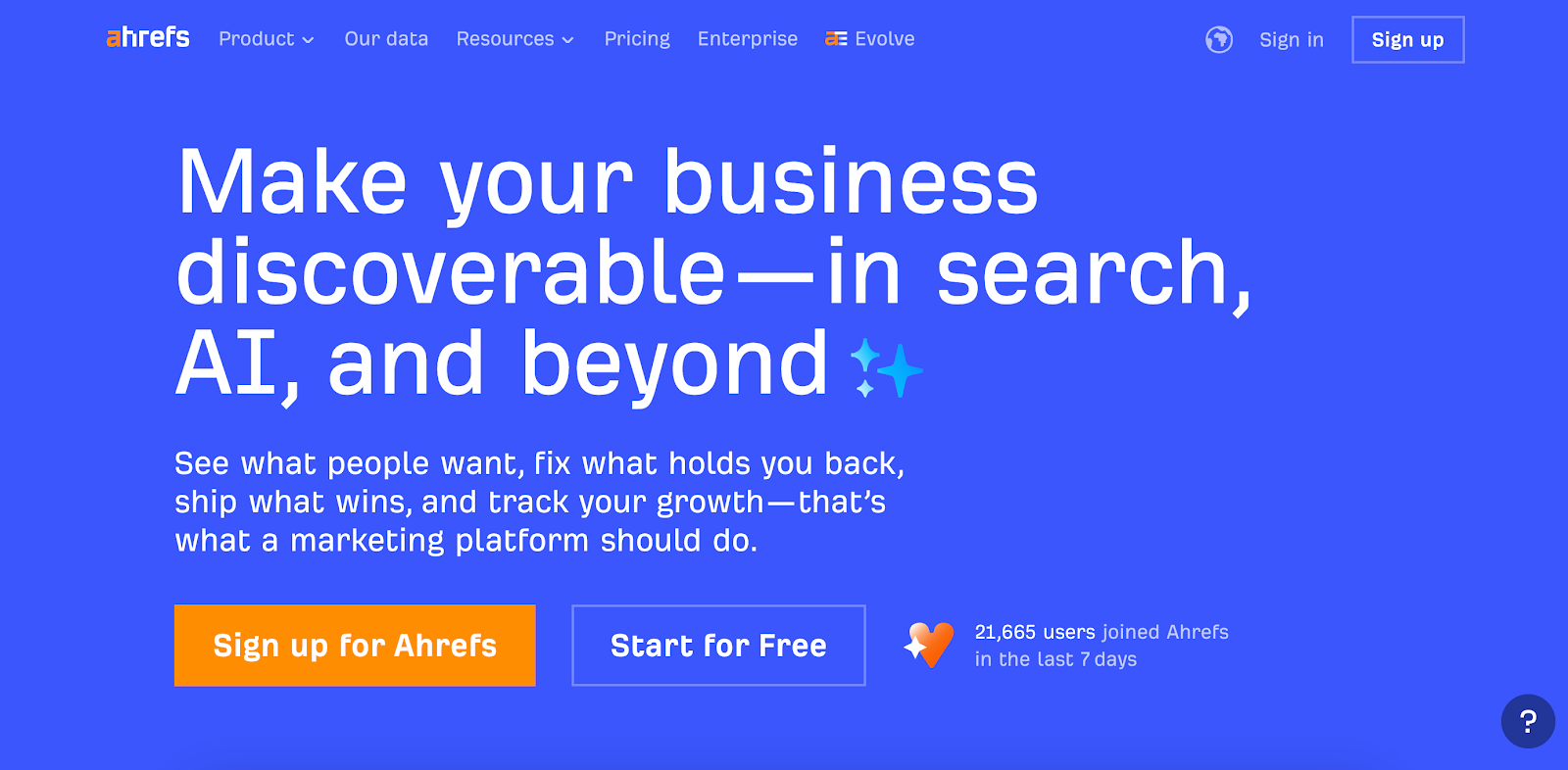
Image source: ahrefs.com
Ahrefs centers on search data like backlinks, keyword rankings, and SEO audits. It pulls data from Site Explorer, Rank Tracker, and Site Audit, so reports reflect the same metrics used during analysis.
Ahrefs supports the data side of reporting, especially for SEO rankings, backlinks, and competitor analysis.
You can build reports with widgets, add summaries inside the report, and send scheduled PDFs to clients or internal teams. Reports can include keyword performance, backlink profiles, and competitor analysis without exporting files.
Key Features
-
Custom report builder with configurable widgets
-
Scheduled PDF delivery with daily, weekly, or monthly options
-
Keyword tracking and ranking reports
-
Backlink analysis with full link profiles
-
Site audit reporting with technical SEO checks
-
AI share of voice and brand visibility reporting
-
Competitor analysis dashboards
-
Rich text blocks for summaries and commentary
-
Ability to group and report on multiple URLs or projects
Strengths
Ahrefs gives you direct access to detailed SEO data inside the report builder. Users can combine keyword rankings, backlink data, audit findings, and competitor analysis in one report.
There’s also space for written summaries inside the report. You can explain ranking changes, backlink shifts, or visibility trends next to each chart, so the report doesn’t need a separate follow-up email.
Limitations
Pricing can be high for smaller teams or individual users. Access to in-depth historical data often requires a higher plan.
The platform uses a credit system for certain reports and analyses. Frequent reporting or large backlink reviews can use credits fast.
New users may face a steep learning curve, especially when working with multiple tools inside the platform.
7. Whatagraph
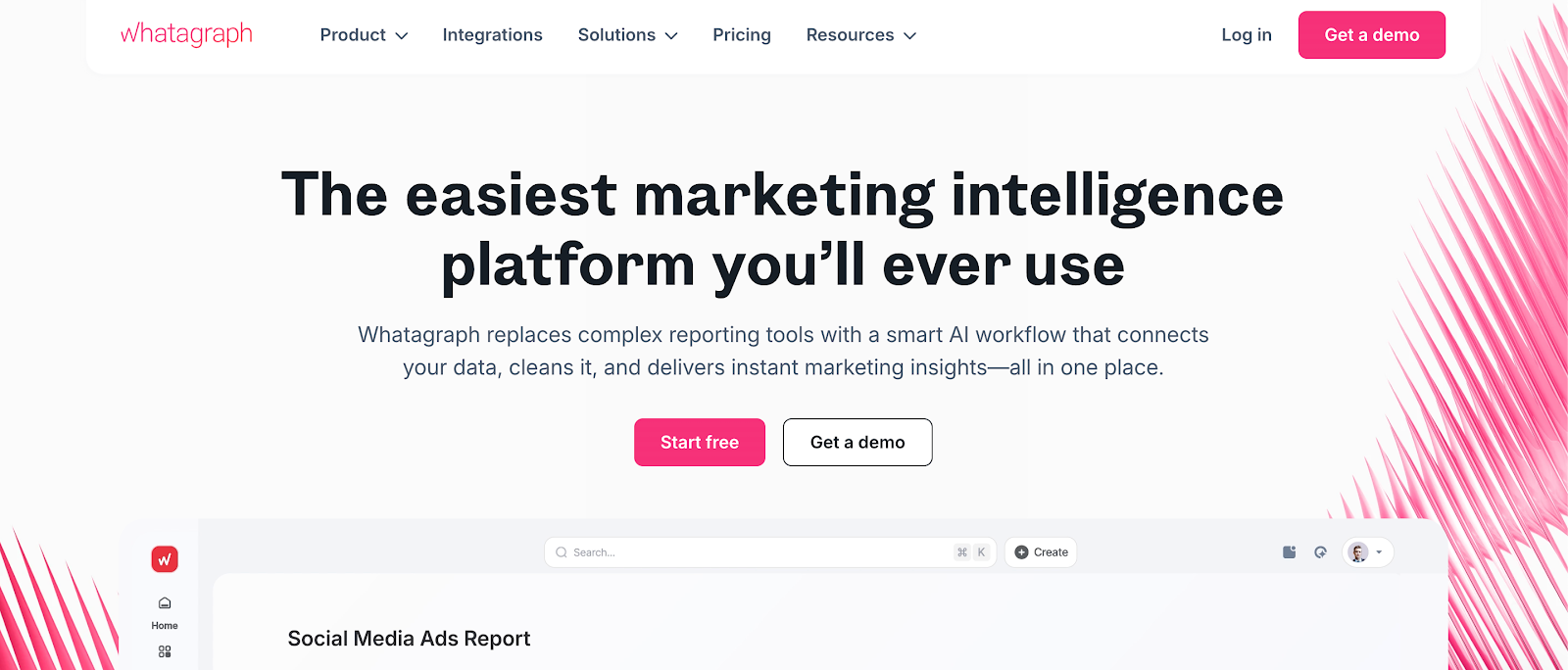
Image source: whatagraph.com
Whatagraph is often used to present SEO and marketing data together in visual, client-ready reports.
It connects Google Analytics, Google Search Console, and other sources, then combines SEO, PPC, social, and CRM metrics in the same report.
That setup appeals to marketing agencies that want client-facing reports with more than SEO data alone.
Reports can go out through live links or scheduled emails, and the data updates automatically when the sources are connected.
Key Features
-
Cross-channel reporting with SEO, PPC, social, and CRM data
-
White label reports with branded dashboards and emails
-
AI summaries and chatbot support for quick insights
-
Data blending with custom metrics and unified dimensions
-
Drag and drop report builder with templates
-
Automated report delivery via email or live links
-
55 plus native integrations across multiple platforms
-
Export options include PDF and CSV
Strengths
Whatagraph puts presentation first. You can combine keyword rankings, backlinks, traffic, conversion data, and other campaign metrics in a report that’s easy for clients to read.
It also includes AI summaries and a chatbot that answers questions from the report data. Custom metrics and blended data give you more room to customize reports around the KPIs you want to show.
Limitations
Large exports can take time, especially when several reports need to be downloaded one after another. That can slow the reporting process during busy periods.
Shared editing can also be confusing. When two users edit the same report at once, widgets may glitch or stop updating properly.
8. DashThis
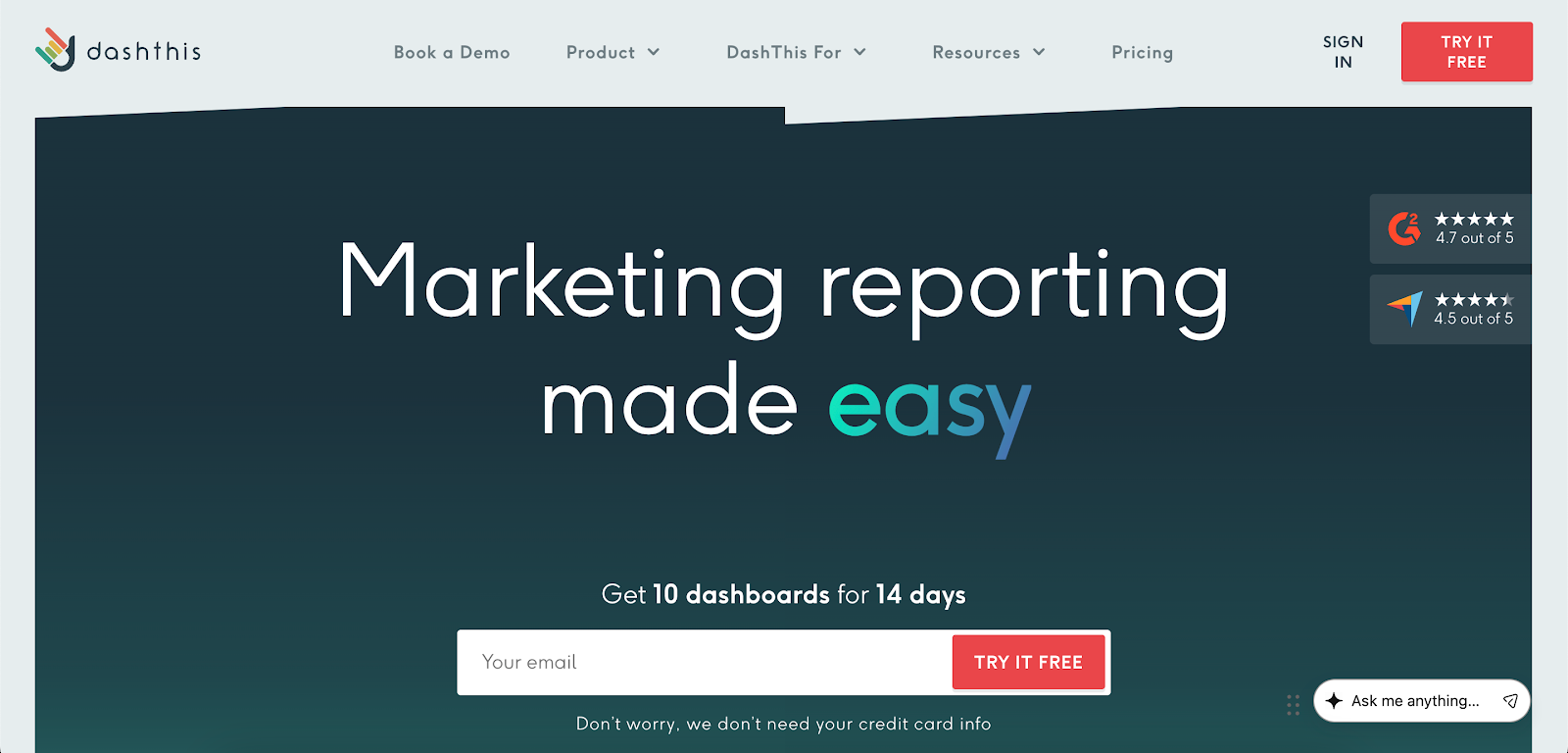
Image source: dashthis.com
DashThis handles automated SEO reporting with a simple setup. It connects tools like Google Analytics, Google Search Console, Ahrefs, Moz, and Semrush, then compiles SEO metrics into one dashboard.
You can track keyword rankings, backlinks, and organic traffic without manual exports. DashThis helps turn SEO data into dashboards and automated reports that can be shared with clients.
Key Features
-
Drag and drop report builder with prebuilt templates
-
Automated data fetching from connected SEO tools
-
Scheduled report delivery via email, PDF, or shareable links
-
White-label reporting with custom domain support
-
Integration with 30-plus marketing and SEO data sources
-
Keyword tracking with ranking distribution and top keywords
-
Backlink tracking with domain authority and referring domains
-
Custom widgets, KPI selection, and goal tracking
Strengths
DashThis keeps reporting simple. You can connect multiple SEO tools, choose your KPIs, and generate reports in just a few clicks without rebuilding layouts for each client.
Custom branding keeps reports consistent for clients. You can use your own domain, logo, and color settings for every report.
Limitations
Metric depth can feel limited for advanced SEO analysis. Detailed backlink research or deeper keyword data may require separate tools.
Dashboard access and segmentation can take extra setup. It may be harder to control what each client sees compared to more advanced reporting systems.
How SEO Reporting Tools Work Together in a System
An SEO reporting system isn’t a single platform. It combines the best SEO reporting tools to handle different parts of SEO data and reporting.
Tools like Ahrefs, Semrush, and SE Ranking gather the underlying SEO data. They track SEO rankings, backlinks, site audits, and competitor insights, which gives teams the numbers behind performance.
Tools like Looker Studio, Whatagraph, and DashThis take that data and turn it into dashboards and client-facing reports. That makes the information easier to review, share, and present.
Used together, these tools create a complete SEO reporting system. One set of tools collects and analyzes the data, while another helps turn that data into reports that clients and internal teams can understand.
Some platforms cover more of that process in the same environment. TapClicks is one example. It combines data collection, report creation, delivery, and AI-generated summaries and presentations in a more connected setup.
Connect SEO Data, Reports, and Updates With TapClicks
SEO reporting often turns into exporting SEO rankings, checking numbers, and fixing report layouts before sending them out.
An SEO reporting system works best when data collection, reporting, and delivery stay connected. Data flows into reports, reports carry into presentations, and clients receive updates without back-and-forth edits.
TapClicks combines data collection, report creation, and delivery in the same reporting environment. You can connect data sources, reuse saved report layouts, and send updates in the format each client expects.
AI reporting adds another layer through SmartReports, SmartSlides, SmartEmail, and SmartStory. These features turn raw numbers into summaries, highlights, and presentation content, which makes actionable insights easier to share.
With reporting steps handled in the same environment, teams can spend more time reviewing results and optimizing marketing campaigns.
Book a TapClicks demo to explore a more organized SEO reporting process!
FAQs About SEO Reporting System
What metrics should an SEO reporting system track?
An SEO reporting system should track organic traffic, keyword rankings, conversions, backlinks, and technical SEO health. It should also include competitor performance and changes in search engine results.
An SEO reporting tool helps connect these metrics so you can review overall SEO performance.
What is the best SEO reporting system for agencies?
The best SEO reporting system combines multiple tools to handle data collection, reporting, and delivery in one setup.
In the SEO industry, agencies often use a mix of platforms to build that system, depending on how they manage clients and reporting workflows.
Can an SEO reporting system automate white-label client reports?
Yes, an SEO reporting system can automate white-label client reports by connecting data sources with reporting dashboards and scheduled delivery.
Reports can be branded, reused, and shared as dashboards, PDFs, or presentations without manual formatting.









