Datorama vs Domo: Which Handles Marketing Data Best?
Which platform makes marketing data easier to understand, Datorama or Domo?
Both promise unified reporting, AI insights, and better visibility. Yet once teams start using them, they often end up double-checking data, rewriting summaries, and preparing updates before every meeting.
The challenge isn’t access to data. It’s turning that data into reports that clients can quickly understand.
In this guide, we break down the Datorama vs Domo comparison and how each platform approaches marketing data.
Searching for a more reliable alternative to Datorama and Domo? Book a demo with TapClicks today!
TL;DR
-
Datorama and Domo both help teams work with marketing data, but they differ in how they organize data, show performance, and support reporting.
-
Datorama works best for teams already using Salesforce and uses a predefined model for campaign reporting.
-
Domo offers flexible dashboards, data visualization, and connections to many data sources used in marketing and business reporting.
-
Both platforms still require teams to review data, adjust summaries, and prepare reports before sharing results.
-
TapClicks connects data, reporting, and delivery, so you can turn marketing data into ready-to-share reports.
Datorama Overview
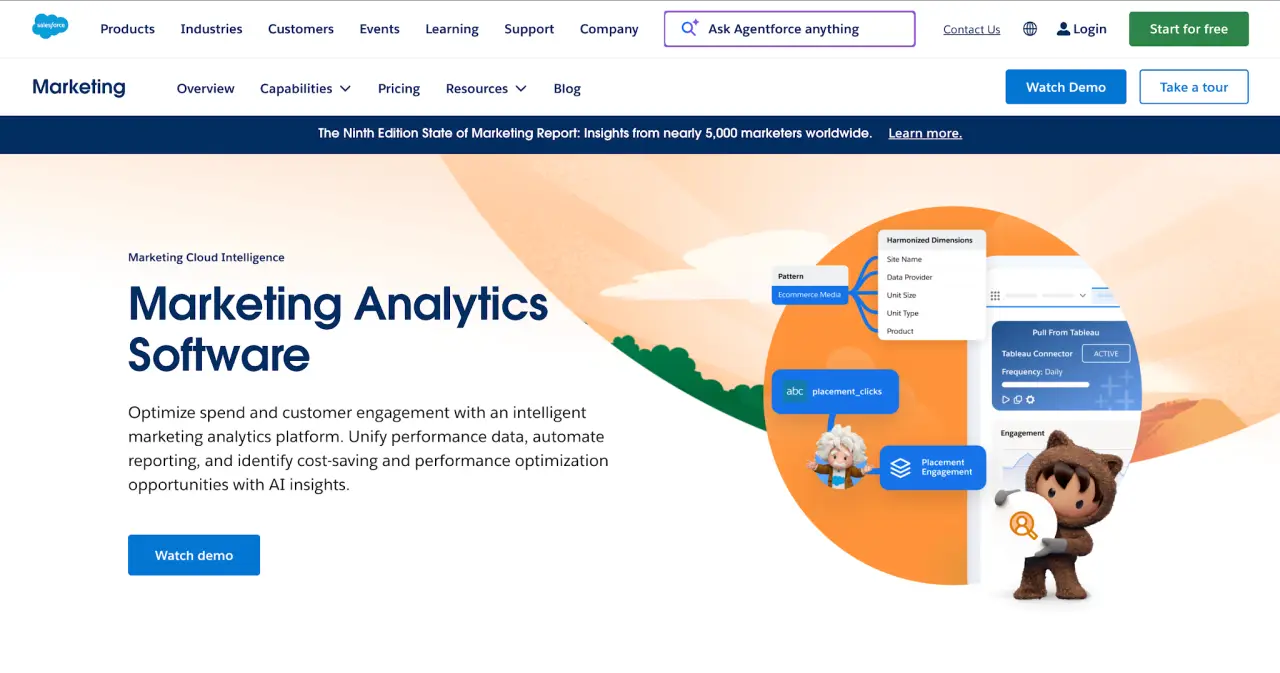
Image source: salesforce.com
Datorama, now called Marketing Cloud Intelligence, is Salesforce’s marketing analytics platform. It helps organizations connect marketing, customer, and business data so they can analyze campaign performance from a shared view.
Here are the key features of Datorama for marketing agencies:
-
Salesforce-native ecosystem: Datorama is part of Salesforce Marketing Cloud, so it links marketing performance with customer relationship management (CRM), engagement, and revenue data.
-
Over 170 connectors + Universal Connector: It connects to major advertising, commerce, CRM, and database vendors. The Universal Connector also accepts data from files, folders, and systems without an application programming interface (API).
-
Automated marketing data model: The platform maps and harmonizes data into a consistent taxonomy, with naming rules, classification, and maintenance alerts.
-
Einstein AI insights and optimization: Einstein Marketing Insights lets users choose a key performance indicator (KPI), review ranked performance drivers, and identify opportunities for spend or campaign adjustments.
Strengths of Datorama
Datorama is useful for organizations already invested in Salesforce. It can connect campaign activity with customer profiles, sales data, and engagement history.
Its marketing data model gives users a defined framework for organizing campaign information. That framework helps standardize data from multiple sources before analysis.
Datorama also includes media planning and pacing tools. Users can ingest media buys, test scenarios, and monitor campaign pacing while campaigns are active.
Limitations of Datorama
Datorama can take time to learn, especially for users who are new to Salesforce Marketing Cloud. User feedback often mentions a complex setup process and a non-intuitive interface.
Advanced use cases may require SQL, particularly for segmentation, configuration, and troubleshooting. This can make the platform harder to manage without technical help.
The product experience may feel fragmented for users who need several Salesforce components to complete analytics, segmentation, and campaign workflows.
Domo Overview
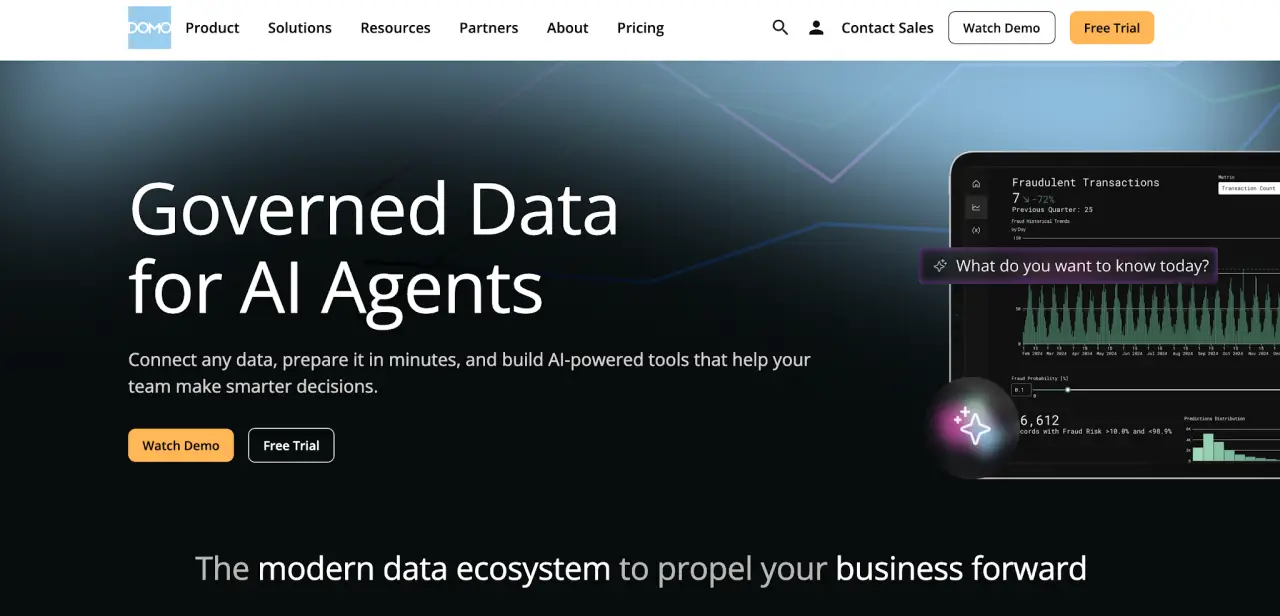
Image source: domo.com
Domo is a business intelligence tool for data integration, data analytics, dashboards, and workflow automation. Marketers can use it to combine campaign, sales, and finance data, then review performance through reports and visualizations.
Here are the key features of Domo for BI and analytics:
-
1,000+ data connectors: Domo connects to cloud apps, databases, on-premise systems, data warehouses, advertising platforms, and tools like Google Analytics.
-
Cloud-native dashboards and apps: Users can create custom dashboards with charts, maps, filters, drilldowns, and calculated metrics. Domo also offers data apps for workflow-specific reporting.
-
AI Chat and workflow automation: Domo’s AI tools let users ask questions in plain language, set alerts, and automate workflows with triggers and approvals.
-
Embedded analytics capabilities: Domo dashboards can appear inside portals, websites, or internal apps with permissions and branded visuals.
Strengths of Domo
Domo covers a wide range of business intelligence use cases. Companies can review marketing, sales, finance, and operations data in the same analytics environment.
Its visualization features give users several ways to examine performance. Reports can include charts, maps, filters, variables, drilldowns, and scheduled email updates.
Domo also includes multiple data transformation options. Users can clean, join, and prepare datasets with drag-and-drop tools, no-code extract, transform, load (ETL) tools, or SQL.
Limitations of Domo
Domo doesn’t provide a marketing-first reporting model out of the box. Marketing users may need to define campaign groupings, attribution logic, channel views, and reporting templates before the platform matches their workflow.
Advanced features can require technical knowledge. Users report a learning curve with large datasets, custom queries, and the Views Editor.
User feedback also mentions performance issues with large datasets, unclear error messages, and room for improvement in documentation and customer support.
Datorama vs Domo: Key Differences in Data Integration and Reporting
Marketing teams usually compare Datorama and Domo when they need to connect campaign data, analyze data from multiple marketing channels, and share results. Here’s how they compare.
Data Integration and Connectivity
Datorama is a marketing intelligence platform with a data model designed for campaign reporting. It connects to more than 170 advertising, commerce, CRM, and database vendors.
Domo connects to more than 1,000 data sources, including cloud apps, warehouses, on-premise systems, advertising platforms, and Google Analytics.
It also extends beyond marketing, so companies use it for sales, finance, and operations reporting.
Data Visualization and Dashboards
Datorama offers marketing dashboards with prebuilt widgets, custom widgets, and branded layouts through InstaBrand to display campaign performance.
Domo provides a wider set of data visualization examples, including charts, maps, filters, variables, and calculated metrics, so users can visualize performance in different ways.
Datorama focuses on campaign reporting views. Domo supports reporting for different departments using broader BI tools.
AI-Powered Insights
Datorama uses Einstein Marketing Insights to review KPIs, rank performance drivers, and highlight areas to adjust spend or campaigns.
Domo uses artificial intelligence through AI Chat, alerts, agents, and workflow automation. Users can ask questions in plain language and surface actionable insights based on their data.
Reporting Automation
Datorama supports reporting automation through scheduled updates, Slack sharing, dashboard distribution, and exports to Tableau, Snowflake, PostgreSQL, and Google BigQuery.
Domo supports scheduled dashboard emails, exports, alerts, embedded analytics, and workflow automation with triggers and approvals.
Datorama aligns more closely with marketing reporting workflows. Domo may require additional setup to match how marketing teams present campaign results.
Why Reporting Still Takes Time With Datorama and Domo
For agencies, the issue isn’t access to dashboards. It’s turning all their data into updates clients can understand without having to revise and refine reports before every review.
Reporting still takes manual effort. Teams check numbers, rewrite summaries, and adjust messaging before sharing results. Dashboards show performance, but they don’t explain it in plain terms for clients or stakeholders.
There’s also the challenge of managing large accounts. Agencies handle multiple clients, users, and reporting needs at once.
Feedback around permissions setup, customization limits, and troubleshooting points to a heavier lift in day-to-day data management than many teams expect.
AI can highlight trends, but it doesn’t always connect them to business context. Teams still step in to explain what changed, why it's relevant, and what decisions to make next.
How TapClicks Turns Marketing Data Into Client-Ready Insights
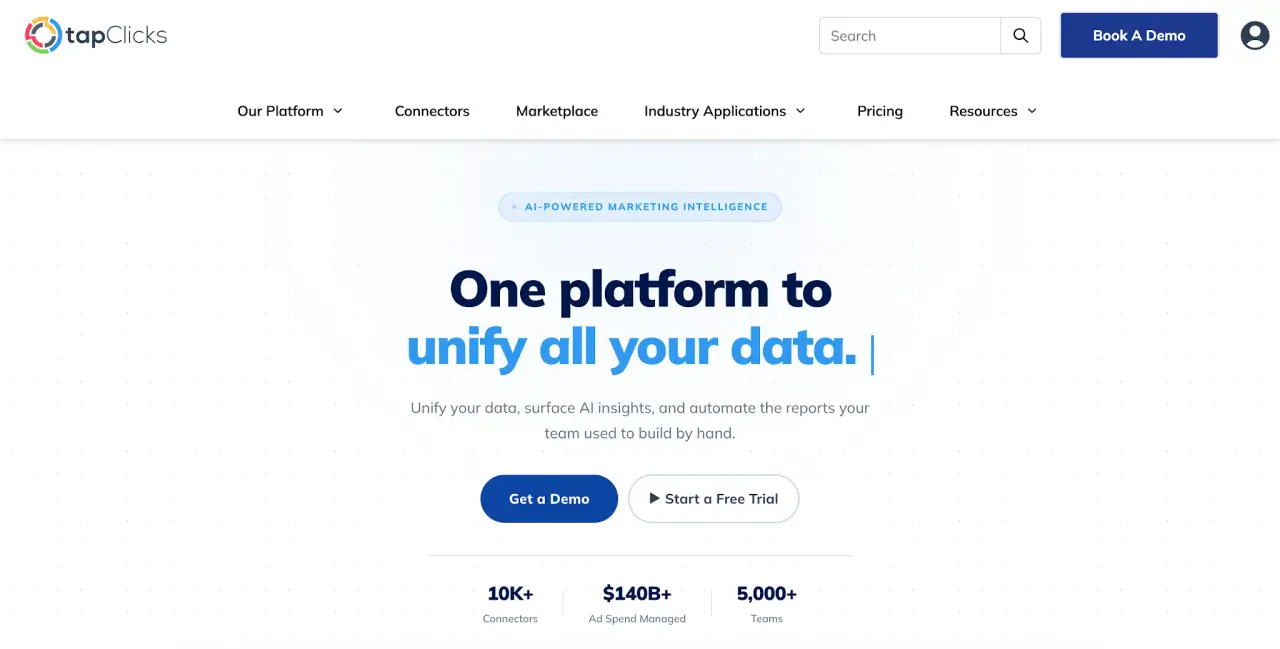
TapClicks gives marketing teams one system to connect data, manage campaigns, and deliver reports. It covers data management, reporting, and operations in a way most analytics tools don’t.
Unifies Marketing Data With TapData
TapData pulls in data from 250+ native connectors and thousands of data connections, including tools like Google Analytics and major advertising platforms. SmartConnector extends this to custom or niche data sources.
It standardizes naming conventions, aligns metrics, and blends datasets into unified views. Teams can transform data using no-code rules or AI-assisted logic, which helps keep reporting consistent without writing SQL.
Handles Agency Operations in One System
TapClicks organizes data through enterprise hierarchy structures such as franchise, region, location, and campaign. Agencies can manage multiple clients, business units, and permissions from one system.
It also includes tools for campaign tracking, segmentation, margin rules, and pacing, so marketing efforts connect directly to reporting outputs.
Delivers Reports Clients Can Understand
SmartSlides generates presentation-ready decks using connected campaign data, complete with visuals and written summaries. SmartEmail sends scheduled updates that highlight performance without requiring users to log in.
SmartStory adds narrative context, while AI Context uses client-specific inputs to tailor insights. This helps stakeholders understand what’s happening without sorting through dashboards.
Keeps Data Transparent and Traceable
TapClicks shows data activity through monitoring tools that track sync status and data flow. Teams can review sources, check updates, and resolve issues before they affect reporting.
Role-based access, audit trails, and data lineage show how data moves from source to report, so teams can trace where each metric comes from.
Deliver Ready-To-Share Marketing Reports With TapClicks
Datorama connects closely with Salesforce and focuses on marketing data modeling and campaign orchestration. Domo works as an analytics tool with flexible data visualization, wide data connections, and customizable dashboards.
Both help teams analyze data, but neither fully covers how reports get prepared and delivered to clients, which can slow down decision-making when updates aren’t ready to share.
That’s where teams run into issues. Data from web analytics, ad platforms, and CRM tools often comes in with inconsistent naming and mismatched metrics.
Someone still has to review outputs, adjust summaries, and make sure everything lines up before sharing updates, especially when working across multiple services.
TapClicks takes care of that step upfront. It standardizes incoming data and adds context so reports are easier to read for clients and stakeholders.
FAQs About Datorama vs Domo
What is Datorama called now?
Datorama is now called Marketing Cloud Intelligence under Salesforce. It still works as a marketing analytics platform that helps businesses unify campaign, customer, and performance data in one system.
Who are Domo’s main competitors?
Domo competes with tools like Tableau, Power BI, and Marketing Cloud Intelligence. Many users also compare it with platforms like TapClicks when they need both analytics and reporting in the same workflow.
Which is the best marketing analytics platform, Datorama or Domo?
There isn’t a single answer. Datorama makes sense for teams already deep in Salesforce, while Domo gives more flexibility for general data analysis.
The best software depends on how you handle reporting, how often you share updates, and whether the platform feels user-friendly for your team and clients.