
AgencyAnalytics vs Raven Tools: Comparison of Tools
Agencies rely on reporting tools to show results and keep clients engaged, so it’s no surprise that the AgencyAnalytics vs. Raven Tools comparison comes up often.
Both track marketing performance and search engine optimization (SEO) data, but each leans into a different part of the process.
Choosing between them isn’t always simple. This guide walks through their features, pricing, and key differences, then shows how everything can connect into a single reporting flow.
TL;DR
-
AgencyAnalytics handles dashboards, automated reports, and client presentations.
-
Raven Tools covers site audits, keyword tracking, and backlink analysis.
-
Agencies often use both to manage reporting and SEO work separately.
-
TapClicks expands reporting and SEO work with more data sources, automation, and custom dashboards.
AgencyAnalytics Review
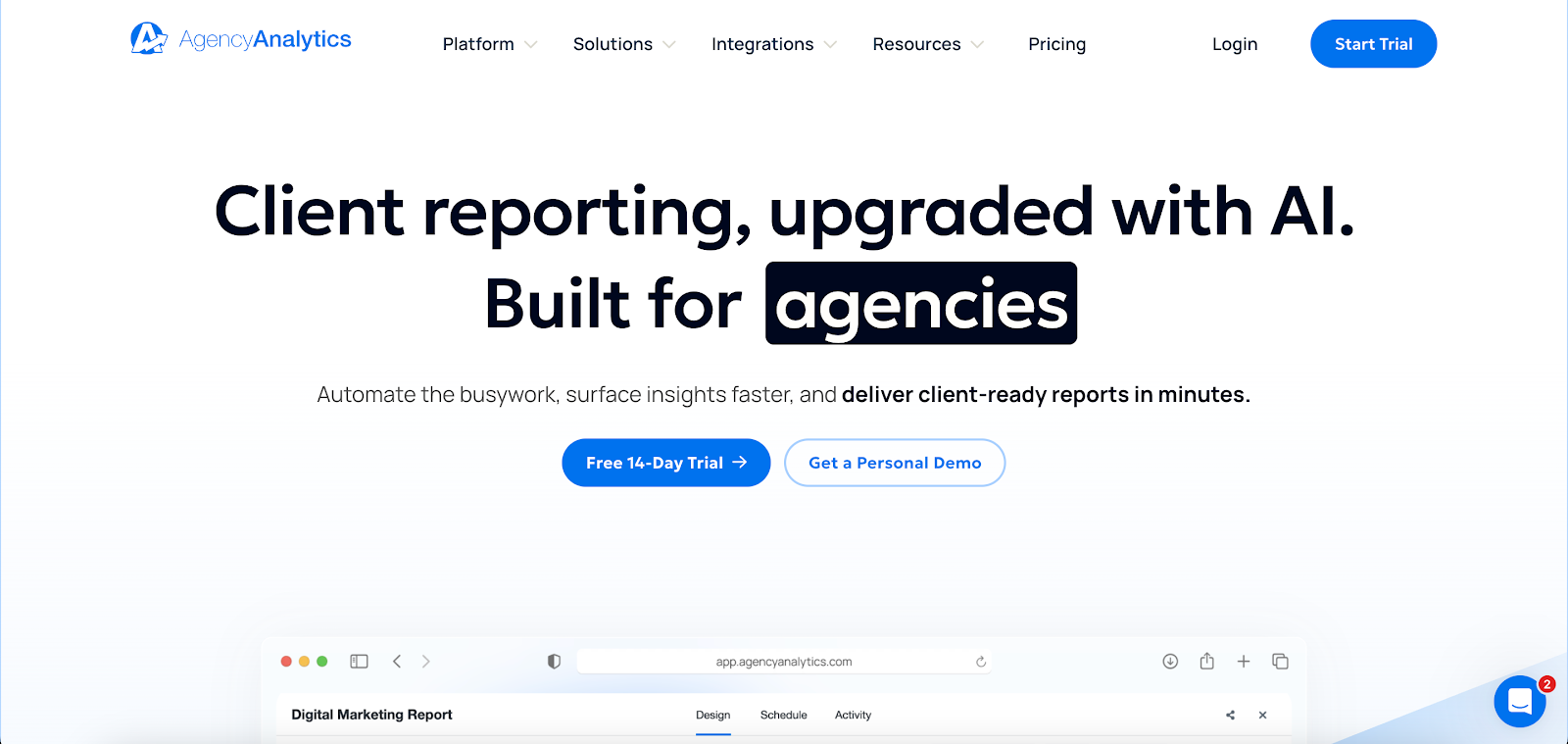
Image source: agencyanalytics.com
AgencyAnalytics focuses on client reporting for marketing agencies managing multiple campaigns. It pulls data from different marketing channels and presents it through dashboards and reports.
The platform helps track campaign performance, SEO performance, and key metrics from tools like Google Analytics, Google Search Console, social media, and pay-per-click (PPC) platforms.
Key features of AgencyAnalytics include:
-
80+ integrations connect major marketing channels like SEO, PPC, social media, email marketing, and Google Ads
-
Drag-and-drop builder lets you customize reports and dashboards based on client needs
-
White-label reporting adds your logo, brand colors, and custom domain
-
Automated reporting schedules reports with optional approval before sending
-
AI summaries highlight trends and generate insights from performance reports
-
Custom metrics, goals, and alerts track progress and flag changes in campaign performance
Common Use Cases for AgencyAnalytics
Agencies use AgencyAnalytics to produce client-facing reports for SEO, PPC, and social media campaigns. Templates help standardize reporting while keeping outputs consistent across accounts.
It’s also used to present keyword rankings, SEO performance, and campaign metrics in branded dashboards. Clients can review updates through reports or portals without needing access to multiple tools.
Limitations of AgencyAnalytics
The layout can take time to figure out. Reports and dashboards serve different purposes, but that isn’t always obvious right away. On top of that, the report links reset after edits, which can interrupt sharing.
Some users also notice differences between AgencyAnalytics data and numbers from tools like Google Analytics. With around 80+ integrations, certain tools or custom data sources may not be included.
AgencyAnalytics Pricing Breakdown
AgencyAnalytics offers four pricing plans.
-
Freelancer ($79/month) – Supports 5 clients, 5 users, with unlimited reports, dashboards, and scheduled reporting
-
Agency ($239/month) – Expands to 10 clients, unlimited users, along with custom metrics, alerts, goals, and AI summaries
-
Agency Pro ($479/month) – Supports 15 clients and includes forecasting, anomaly detection, application programming interface (API) access, and deeper insights
-
Enterprise (custom pricing) – Comes with dedicated support, onboarding, and access to database connectors
Raven Tools Review
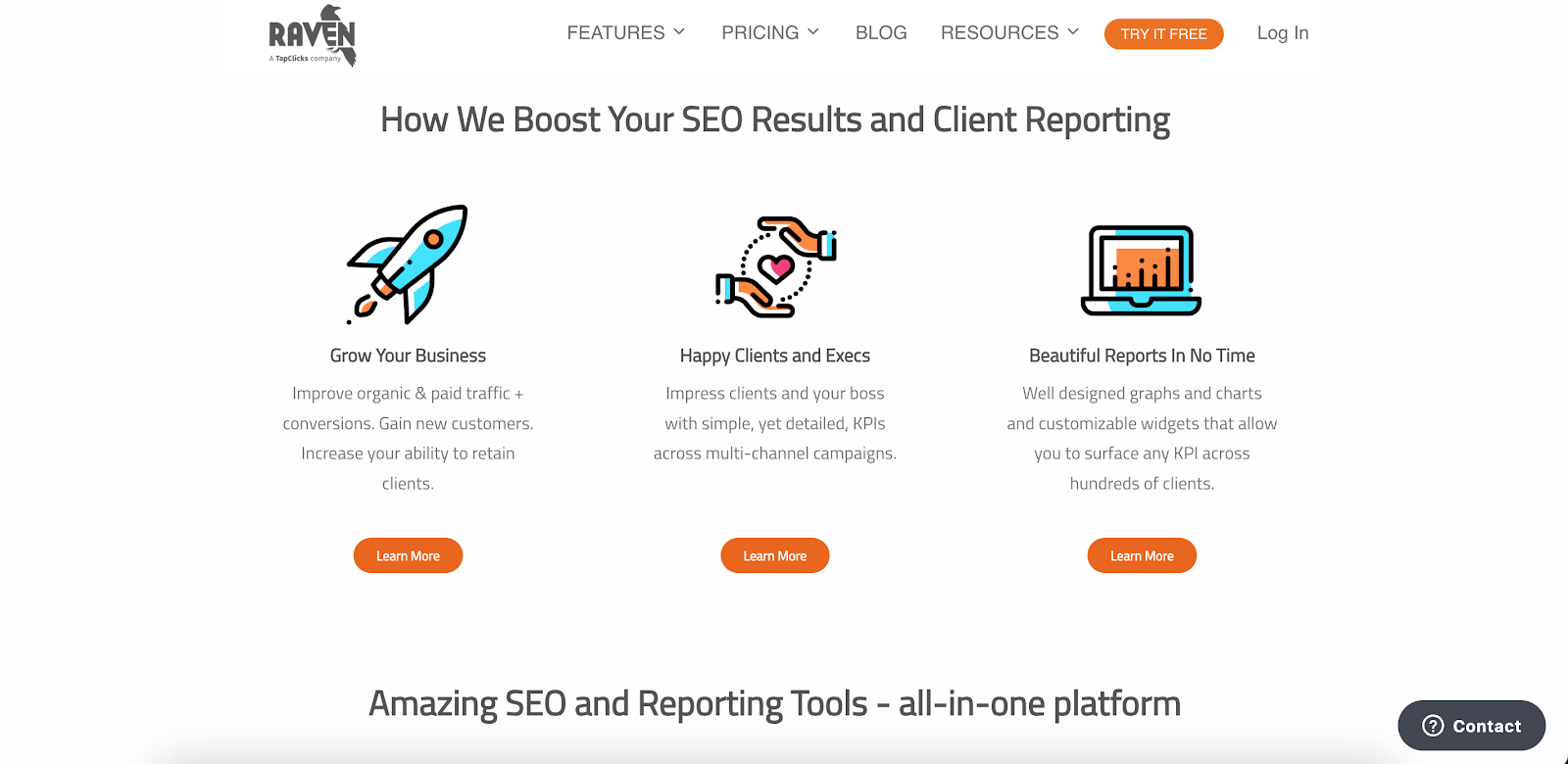
Image source: raventools.com
Raven Tools brings several SEO tools into a single system. It helps agencies manage keyword tracking, backlink analysis, and site audits without switching between platforms.
Raven Tools is also part of the TapClicks product suite, which connects its SEO capabilities with a broader reporting and analytics ecosystem.
It connects SEO data with reporting, so you can review rankings, spot SEO issues, and generate SEO reports that show how your work affects organic traffic.
Raven Tools offers features like:
-
Site Auditor scans your website, assigns an SEO health score out of 100, and lists SEO issues by severity
-
Keyword rank tracking monitors rankings on Google, Bing, Yahoo, Yandex, and Baidu with flexible tracking schedules
-
Backlink Explorer uses Majestic data for backlink analysis, including anchor text and link types
-
Competitor and keyword research support competitive analysis and highlight search opportunities
-
Drag-and-drop reporting wizard builds reports using 30+ modules with scheduled or on-demand delivery
Common Use Cases for Raven Tools
Agencies use Raven Tools for SEO audits and ongoing website audits. The Site Auditor scans pages, flags issues like broken links or missing metadata, and lists them in a checklist you can work through.
You can monitor specific keywords by location, device, or language. This helps when tracking local SEO performance and comparing results against competitors.
Backlink analysis is another common use, especially for tracking link-building efforts and monitoring changes over time.
Limitations of Raven Tools
Raven Tools connects to more than twenty data sources, including Google Analytics, Google Search Console, and ad platforms. That can make it harder to include data from additional tools or niche platforms.
The platform centers on SEO. It includes PPC and social media data, but those areas don’t go as deep as its SEO features.
Raven Tools Pricing Breakdown
Pricing depends on how many domains, users, and position checks you need:
-
Small Biz ($49/month) – Includes 2 domains, 2 users, and 1,500 position checks
-
Start ($109/month) – Covers 20 domains, 4 users, and 15,000 position checks
-
Grow ($199/month) – Includes 80 domains, 8 users, and 20,000 position checks
-
Thrive ($299/month) – Expands to 160 domains, 20 users, and 25,000 position checks
-
Lead ($479/month) – Covers 320 domains, 40 users, and 30,000 position checks
Key Differences Between AgencyAnalytics and Raven Tools
Agencies often compare AgencyAnalytics and Raven Tools when choosing how to track performance and present results.
Both handle reporting and SEO work, but they solve different problems depending on what level of detail you need.
Client Reporting and Experience
AgencyAnalytics centers on client reporting. Reports follow your branding, and templates keep layouts consistent when working with multiple client campaigns. It’s easier to present performance without walking clients through raw numbers line by line.
Raven Tools supports report generation, but the format leans more toward internal use. You can create reports with SEO data and notes, though the layout isn’t as focused on client-facing presentation.
SEO and Data Depth
Raven Tools covers a wider range of SEO tasks. It includes site audits and a rank tracker that tracks rankings by location, device, and search engine. These features help identify trends and spot issues that affect search visibility.
AgencyAnalytics tracks keyword rankings and SEO performance, but it stays closer to summaries. It’s more suited for reporting outcomes than working through technical SEO details.
Digital Marketing Integrations and Data Coverage
AgencyAnalytics connects with over 80 integrations. This makes it easier to track performance from multiple sources like SEO, PPC, and social media inside one dashboard.
Raven Tools connects to more than twenty data sources, including Google Analytics and Google Search Console. The focus stays on SEO and core marketing data, which may require additional tools if your reporting includes other channels.
Automation and Workflow Efficiency
AgencyAnalytics leans into automated SEO reporting. You can schedule reports, add approval steps, and set alerts when metrics hit certain thresholds.
Raven Tools includes report scheduling and supports ongoing SEO work, such as audits and link tracking. It helps organize SEO efforts, though it places less emphasis on client reporting workflows.
Data Limitations in AgencyAnalytics and Raven Tools
AgencyAnalytics and Raven Tools handle reporting and SEO tasks, but neither works as an all-in-one platform.
Agencies still depend on other tools for CRM data, ecommerce activity, and budget tracking, which means reports don’t show the full picture.
Raven Tools is part of the TapClicks product suite, yet it still operates as a separate SEO tool, so additional data sources often fall outside its scope.
To fill those gaps, marketing teams export files, update spreadsheets, and piece reports together manually. That increases the chances of inconsistent data.
When data is split between systems, it’s more difficult to get actionable insights from campaigns, SEO efforts, and marketing strategies.
TapClicks connects those tools with the rest of your data, so all your reporting data can be brought together into a single system.
How TapClicks Complements AgencyAnalytics and Raven Tools
AgencyAnalytics and Raven Tools each cover a different part of the workflow. TapClicks complements both by expanding how much data you can include in reporting and how that data is processed.
Connect Everything Beyond Native Integrations
TapClicks includes over 250 native connectors and more than 10,000 SmartConnector implementations.
When a direct integration isn’t available, SmartConnector brings in data through APIs, flat files like CSV or XLS, and other external systems. This includes ad platforms, CRM tools, ecommerce data, and offline sources that may not be available through standard connectors.
Extend Reporting With More Data Sources
TapClicks gives agencies access to more data inputs without replacing the tools they already use for SEO or reporting.
This is helpful for agencies managing franchise or multi-location accounts. The platform includes an enterprise hierarchy that keeps reporting organized when handling complex client structures.
Automation That Goes Beyond Scheduled Reports
TapClicks normalizes data as it’s ingested, so reports use consistent formats without manual edits.
It also includes AI reporting tools that generate written summaries, build presentation decks, and highlight performance changes.
These AI tools review campaign data, flag anomalies, compare results to benchmarks, and send insights to email, HubSpot, or slides.
Combine Your Reporting and SEO Data With TapClicks
AgencyAnalytics is used for client reporting. It presents campaign data in a format clients can review without sorting through raw numbers.
Raven Tools centers on SEO work. It covers audits, backlink analysis, and keyword tracking, which help improve search engine rankings and guide ongoing SEO tasks.
The choice depends on what you need most. AgencyAnalytics suits reporting and presentation. Raven Tools fits SEO execution and deeper analysis.
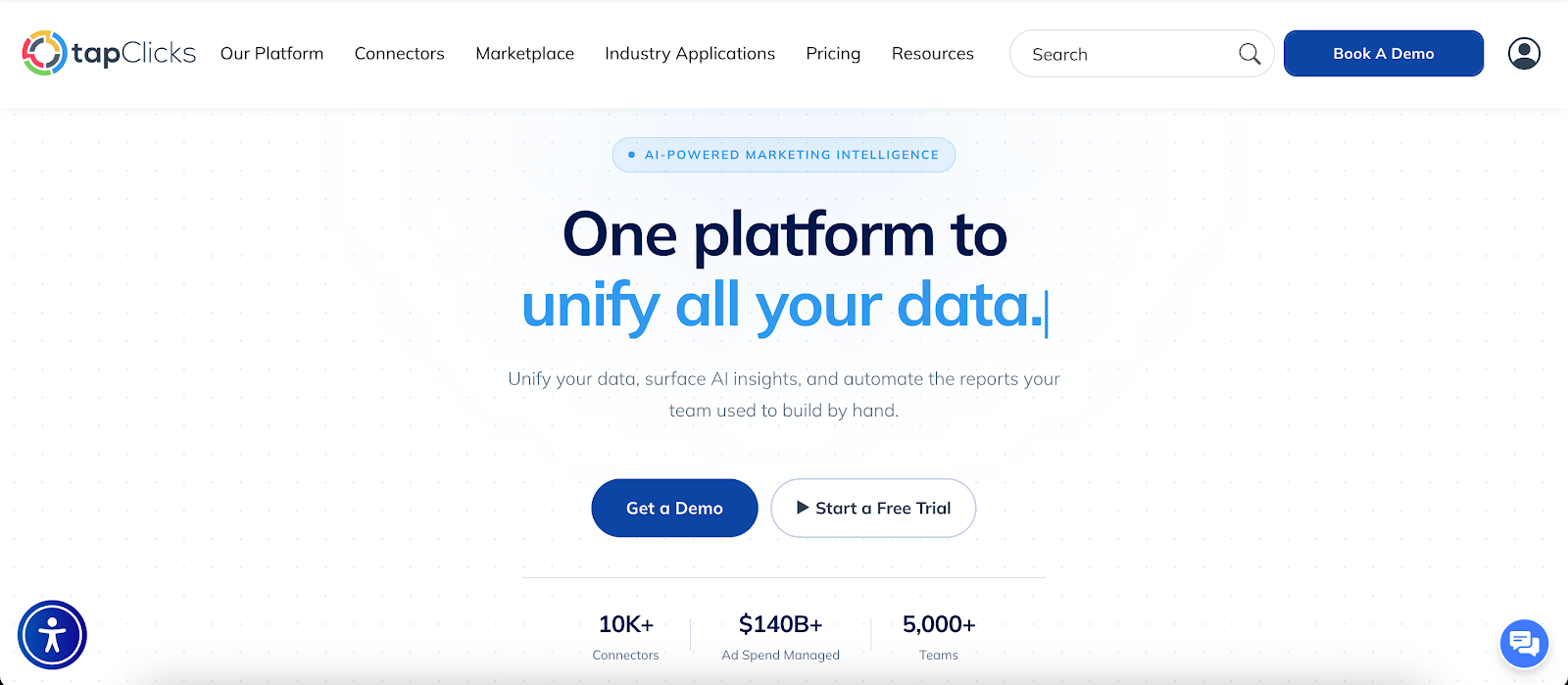
TapClicks comes in when reporting needs to include more data sources. It expands what you can include in reports and adds custom dashboards and automation that connect reporting with a wider set of marketing data.
FAQs About AgencyAnalytics vs Raven Tools
What is the alternative to AgencyAnalytics?
TapClicks is a strong alternative if you want more than standard reporting. It lets you bring in more data sources and build custom dashboards, which is useful for agencies managing more complex reporting.
Is Raven Tools better than AgencyAnalytics?
Each tool serves a different purpose. Raven Tools focuses on SEO work like audits and keyword tracking, while AgencyAnalytics is used for client reporting and presentation.
The better option depends on whether your priority is SEO work or reporting.
What are the limitations of AgencyAnalytics and Raven Tools?
Both tools depend on their integrations, so data from CRM systems, ecommerce platforms, or offline sources may not appear in reports.
This can make reporting harder for smaller agencies managing several data sources, especially when combining results from different tools.









