
Join Angshuman Rudra of TapClicks in Forbes as he explores the transformative power of AI agents on marketing analytics, offering new insights and strategies. TapClicks is the best marketing analytics platform using AI and ETL. Discover TapClicks SmartEmail: AI-driven insights delivered directly to your inbox. Stay ahead with cutting-edge analytics and improve your marketing strategies effortlessly. AI Insights directly to your email with AI Agents. Explore our simple AI in marketing analytics walkthrough and learn its common applications, KPIs it improves, and how to start using it. 9 Best AI Tools for Agencies: 1. TapClicks 2. Surfer SEO 3. Vue.ai 4. AnswerRocket 5. Lately 6. ChatGPT 7. Amazon Personalize 8. Monday 9. Drift Top 5 Tableau Competitors for Better Analysis in 2025: 1. TapClicks 2. Looker Studio 3. Qlik 4. Domo 5. Power BI. Learn why TapClicks stands out. Read our comprehensive guide on Google Data Studio vs Tableau and see how they compare. See what makes TapClicks a better option. Discover the 5 pivotal strategies marketing leaders must implement now to drive growth and success. Stay ahead with actionable insights from industry experts at TapClicks. Learn how to improve ROI in digital marketing campaigns and explore seven proven tips to do it efficiently. Discover how TapClicks can help you. 8 AI Reporting Tools That Make Data Analysis Easy: 1. TapClicks 2. HubSpot 3. Klipfolio 4. Whatagraph 5. Tableau 6. Openkoda 7. Akkio 8. Jenni AI Explore common AI agents examples divided by their use cases and types. Discover how TapClicks can help you set up an AI agent with ease.
Angshuman Rudra of TapClicks Discusses AI Agents and Marketing Analytics in Forbes
TapClicks Launches SmartEmail: AI-Driven Insights Delivered Straight-to-Inbox
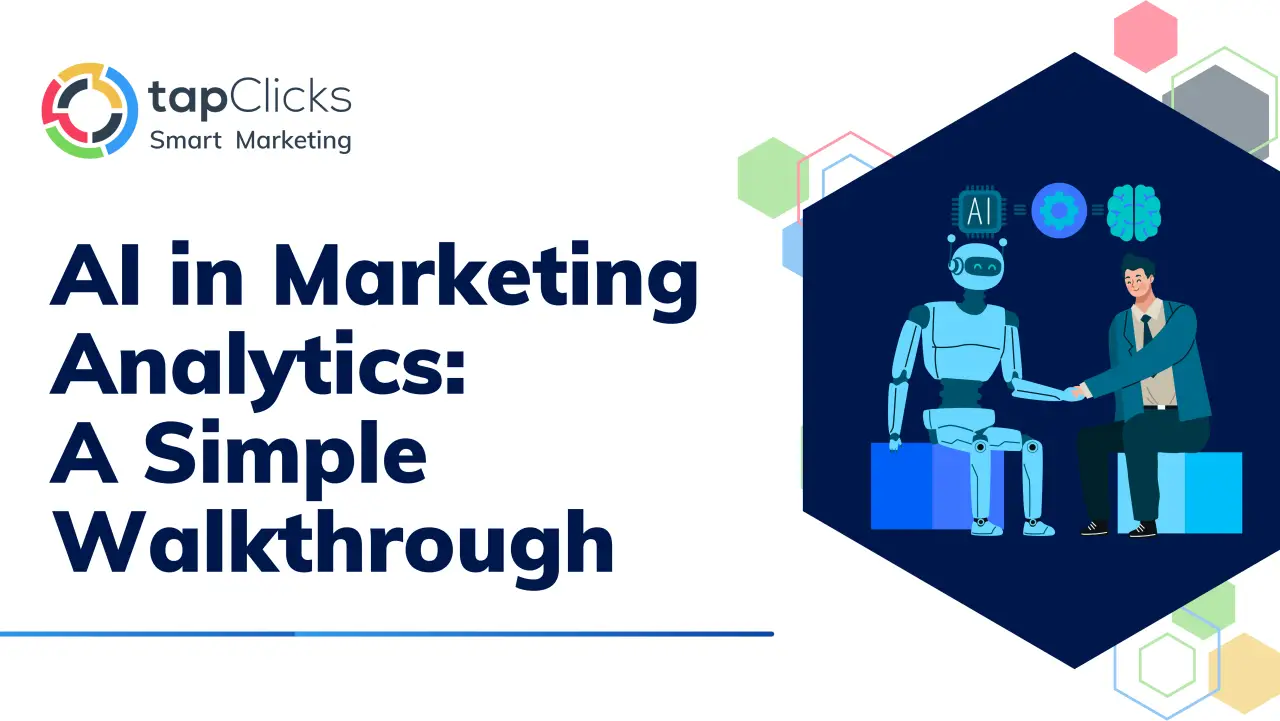
AI in Marketing Analytics: A Simple Walkthrough
AI for Agencies: 9 Tools for Automating Your Workflow
Top 5 Tableau Competitors for Better Analysis in 2025
Google Data Studio vs Tableau: The 2025 Comparison Guide
5 Critical Moves Every Marketing Leader Needs Now
How to Improve ROI in Digital Marketing: 7 Proven Tips
8 AI Reporting Tools That Make Data Analysis Easy
AI Agents Examples: A Full Guide With Use Cases
Blog

The AI-Powered Marketing Intelligence Platform. Where data intelligence becomes competitive advantage.









TapClicks © 2026. All Rights Reserved.