MCP for Marketing Analytics: 8 Use Cases for Asking AI About Your Campaign Data
MCP for marketing analytics is a way to let an AI assistant such as Claude, ChatGPT, or Gemini read your live campaign data directly, instead of working from CSV exports and screenshots. Model Context Protocol (MCP) is an open standard. Once it's connected, you ask a plain-English question and the assistant pulls the answer from your reporting platform, within the permissions you've set.
That's the whole idea. The rest of this post is about what it's actually good for, because "connect your data to AI" sounds great in a keynote and vague in a Tuesday morning budget meeting.
Key takeaways
- MCP is a shared connector. It lets Claude, ChatGPT, and Gemini query your live marketing data without exports or screenshots.
- Permissions carry over. TapClicks MCP applies role-based access to every AI request, scoped per user, client, or account.
- Use it alongside dashboards. MCP handles ad hoc questions and first drafts; dashboards and SmartReports handle recurring, branded delivery.
- Verify before you forward. Treat every AI answer as a first draft and confirm numbers before they reach a client.
What is MCP, and why should marketers care?
MCP is an open protocol, released by Anthropic in November 2024, that standardizes how AI assistants connect to outside tools and data. Think of it as a shared plug. Build one connection and every MCP-compatible assistant can use it, so you aren't building a custom integration per AI tool.
It spread fast. Knak's 2026 roundup reports MCP SDK downloads reached about 97 million per month by March 2026, and that OpenAI, Microsoft, and Google all added support after Anthropic's launch (source: Knak, citing Anthropic and other releases). Anthropic donated the protocol to the Linux Foundation in December 2025, which is a good sign it won't belong to one vendor.
For marketers, the draw is simple. The same Knak piece cites two numbers worth sitting with: 56% of marketers say they lack the time to analyze their data properly, and 40% of analysts spend more than half their week preparing data. MCP attacks the preparing part.
One caveat from Search Engine Journal's guide by BrightEdge CTO Lemuel Park: MCP doesn't make a model smarter. It gives the model access to live data. If the data underneath is a mess, you just get confident wrong answers faster.
How does TapClicks MCP work?
TapClicks MCP gives AI tools live, governed access to the marketing data already inside your TapClicks account. An assistant can discover what data is available, ask structured questions about it, and get contextual answers back rather than raw data dumps.
Two details matter most in practice:
- It sits on top of what you already have. It doesn't replace your dashboards or reports. It adds another way to get at the same data.
- Permissions carry over. Role-based access control applies to every request an AI tool makes, and data profiles can be scoped per user, client, or account. The assistant only sees what the person asking is already allowed to see.
That second point is the one agencies care about. If an account manager can't see Client B's numbers in TapClicks, their AI assistant can't either. You can read the full details on the TapClicks MCP page.
What can you do with MCP for marketing analytics? 8 use cases
Here are eight places this earns its keep. The prompts are examples of the style that works, not output from a specific account.
1. Get a Monday-morning performance read in one question
Instead of opening five tabs, ask: "How are our paid search campaigns performing this month compared with last month?" This is the lowest-effort win and the best place to start. You get a narrative answer you can sanity-check against your dashboard in thirty seconds.
2. Find the accounts that are slipping
Agencies and multi-location brands rarely have a "how's everyone doing" problem. They have a "which three accounts need me today" problem. Try: "Which accounts are underperforming against their benchmarks this week?" Ranking beats browsing when you manage dozens of clients. Pair it with TapClicks Configurable Alerts so the worst surprises find you first.
3. Draft the executive summary
Leadership doesn't want a dashboard tour. They want three sentences. Ask for "a summary of last week's campaign performance for leadership" and edit the result instead of writing from scratch. The editing step is not optional, and we'll come back to why.
4. Compare channels or clients side by side
Cross-account comparison is where manual reporting falls apart, because someone has to normalize the metrics by hand. With a governed data connection, "compare cost per lead across my three largest healthcare clients" becomes a single request. If you work with regulated clients, see how TapClicks handles this for HIPAA and healthcare teams.
5. Prep for the client call in five minutes
Before a QBR, ask for the three biggest changes since the last meeting and a possible explanation for each. Treat the "why" as a hypothesis list, not a verdict. Your job is to confirm which one is real.
6. Feed scheduled reporting
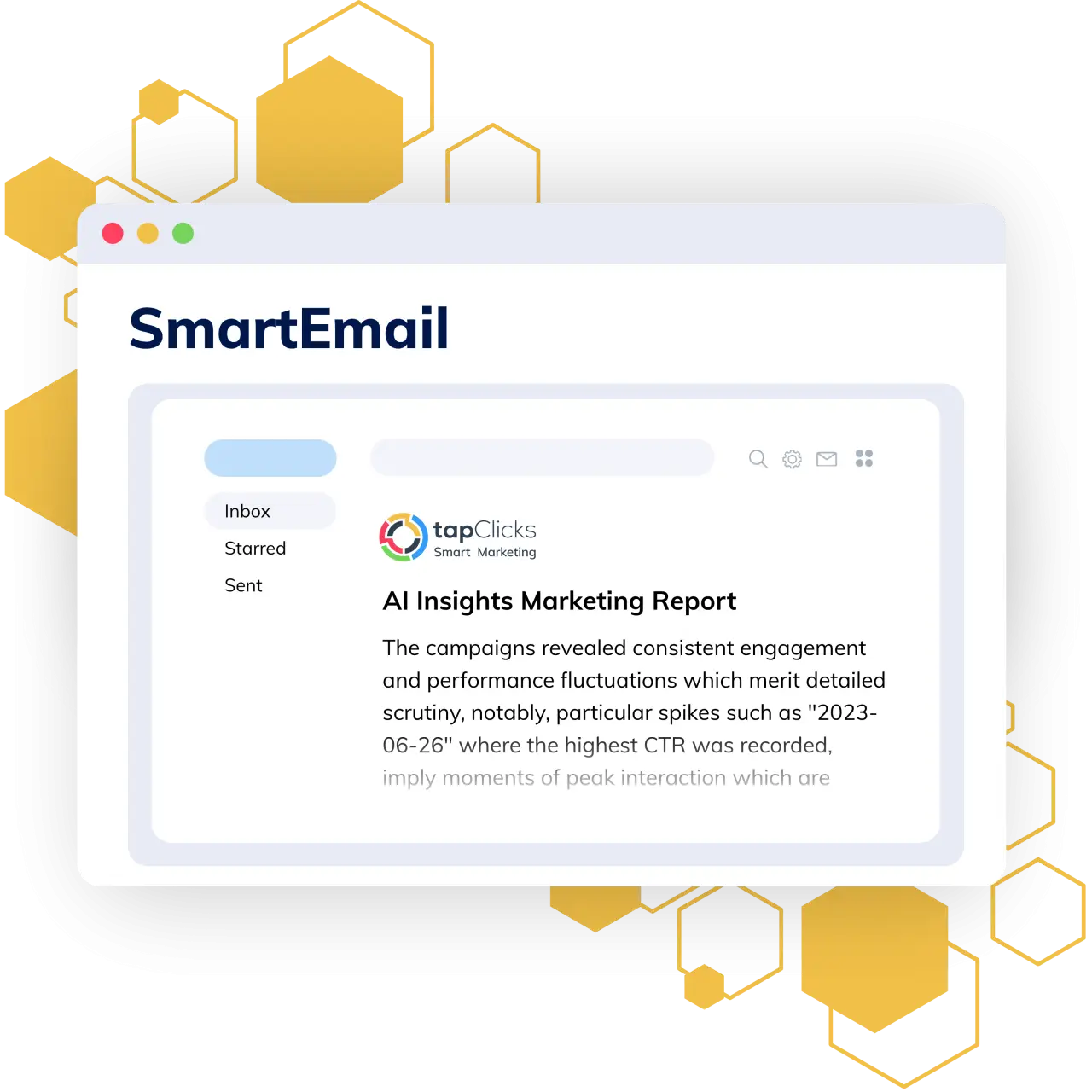
MCP is not a replacement for a proper reporting engine. For recurring, branded deliverables, SmartReports handles templates, scheduling, and AI-generated summaries through SmartEmail. A sensible split is to use MCP for ad hoc questions and SmartReports for anything that has to arrive on schedule and look the same every time.
7. Build a dashboard from a question
Once you've asked a question three weeks in a row, it deserves a permanent home. That's the moment to turn it into a dashboard. TapClicks AI Dashboard Creation builds structured dashboards from a natural-language prompt, so the question you keep repeating becomes something your team can open without asking anyone.
8. Support RevOps and analytics automation
The same connection can feed internal AI platforms and agent workflows, so analysts spend less time pulling data and more time deciding what to do with it. If you're exploring agents, our AI Insights Agents are a good companion piece.
Should you use MCP or a traditional dashboard?
Use both, for different jobs. Dashboards are best for recurring, shared, visual monitoring. MCP-connected assistants are best for one-off questions, exploration, and first-draft narrative. Neither replaces the other.
| Job | Better fit | Why |
|---|---|---|
| Daily or weekly KPI monitoring | Dashboard | Everyone sees the same numbers, same layout |
| "Why did CPA move on Thursday?" | MCP + AI assistant | Open-ended and exploratory |
| Branded client deliverable | SmartReports | Templates, scheduling, consistent format |
| Leadership summary draft | MCP + AI assistant | Fast first draft, human edit |
| Spotting outliers across accounts | Alerts + MCP | Alerts flag, the assistant explains |
What are the risks of connecting AI to marketing data?
The main risks are access, accuracy, and governance. Park's guide for Search Engine Journal lists the same ones: tightly scoped permissions, data drift, over-trust, and poor inputs. Here's how I'd handle each.
Start read-only. Nobody needs an AI assistant editing campaigns on day one. Read access gets you most of the value.
Check the data before you connect it. If your naming conventions are inconsistent or a connector has been quietly failing, the assistant will happily summarize the wrong numbers. Run a data-source health check first. TapClicks' Data Source Overview exists for exactly this.
Watch out forVerify before you forward. Treat every answer as a first draft. If a number is going into a client deck, open the dashboard and confirm it.
Write down who can connect what. Governance sounds boring until a contractor connects a personal AI account to a client's data. Decide this early.
How do you get started with MCP for marketing analytics?
Start small and boring. A short rollout beats a big-bang launch:
- Audit one data set. Pick the platform your team checks every day, usually paid search or web analytics, and confirm it's clean.
- Connect with least-privilege access. Scope by user, client, or account.
- Write prompts like briefs. Name the metric, the date range, the account, and the decision you're trying to make.
- Share the prompts that work. A shared prompt library saves everyone from reinventing the same question.
- Promote winners to dashboards. Anything asked weekly should become a saved view or scheduled report.
If you want to see it with your own data, you can book a demo or explore the broader TapClicks AI capabilities.
See MCP running on your own marketing data
Book a walkthrough and we'll show you how TapClicks MCP, SmartReports, and AI Dashboard Creation fit together for your team.
Book a demoFAQ
What does MCP stand for?
MCP stands for Model Context Protocol. It's an open standard, introduced by Anthropic in November 2024, that lets AI assistants connect to external tools and data sources through a common interface instead of custom integrations.
Is MCP safe to use with client data?
It can be, if it's governed. TapClicks MCP applies role-based access control to every AI request, so an assistant only sees data the signed-in user is already permitted to see. Start read-only and document who can connect what.
Which AI tools work with TapClicks MCP?
TapClicks lists support for Claude, ChatGPT, Gemini, other LLM assistants, internal AI platforms, and future MCP-compatible systems.
Does MCP replace marketing dashboards?
No. Dashboards remain the best way to monitor recurring KPIs together. MCP adds a conversational layer for ad hoc questions, exploration, and first-draft summaries on top of the same data.
Can AI-generated insights be wrong?
Yes. Assistants can misread stale, partial, or inconsistent data and still sound sure of themselves. Verify any number that's headed for a client or executive against your dashboard before sharing.
Sources
- Knak, MCP Adoption in 2026: What Marketers Need to Know. Vendor-authored; some figures are reported from third parties.
- Lemuel Park, Search Engine Journal, How Marketers Should Use MCP, July 20, 2026.
- TapClicks, TapClicks MCP and SmartReports.