If you manage search engine optimization (SEO) for a growing brand or multiple clients, you know how quickly rankings can change.
One week, a priority keyword holds steady. Next week, it drops, and executives want answers fast, not just what moved, but what it means for traffic and revenue.
That’s why enterprise rank tracking software has become a serious investment for agencies and in-house marketers. According to FirstPageSage, the top three organic results receive more than two-thirds of all clicks on Google, 68.7% in total.
This guide reviews seven enterprise-level platforms and highlights which suits your marketing department best.
TL;DR
These are the seven top enterprise rank tracking tools for SEO and marketing teams:
-
SE Ranking
-
Semrush
-
Ahrefs Enterprise
-
AccuRanker
-
Ranktracker
-
Advanced Web Ranking
1. TapClicks
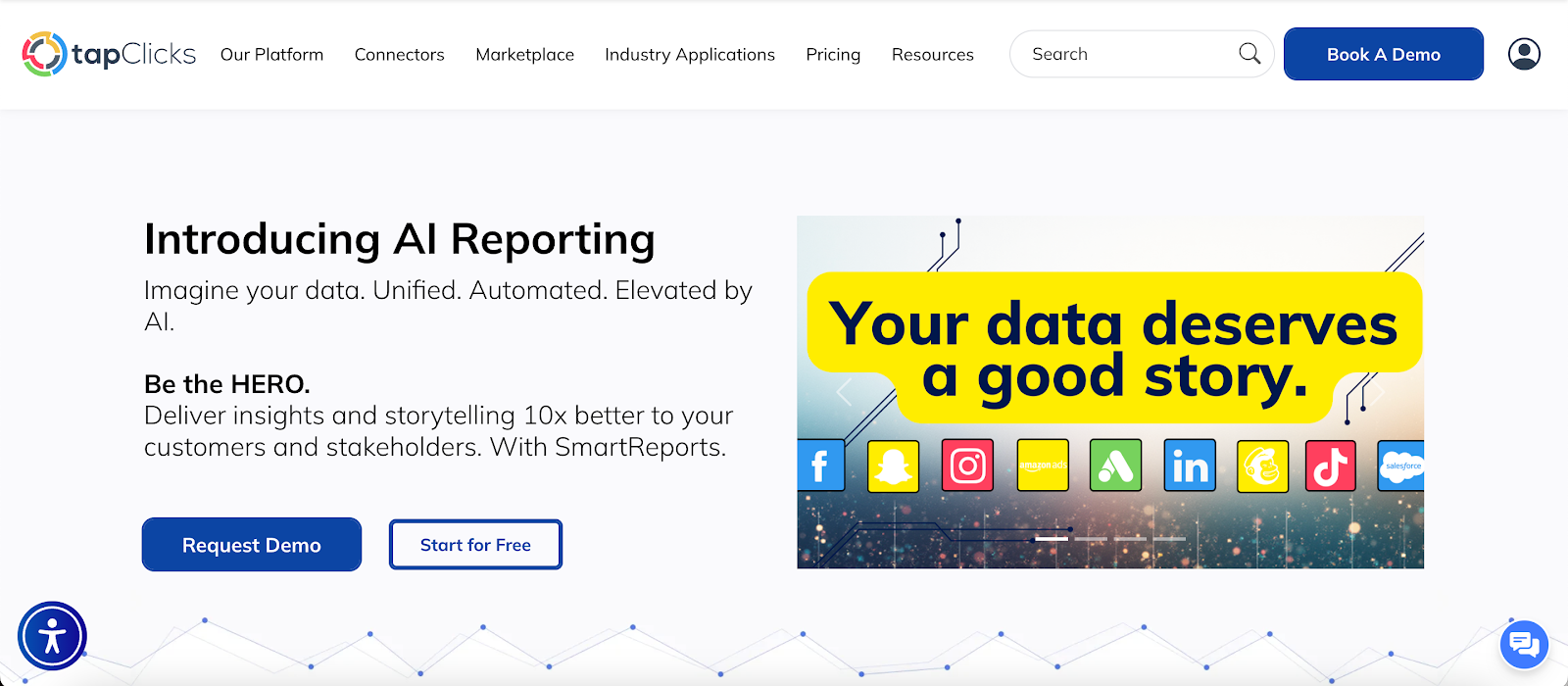
TapClicks consolidates SEO data with broader marketing performance in one system.
Raven, its integrated module, tracks keyword positions, competitor performance, and search engine results page (SERP) features inside the same platform used for reporting.
Keyword rankings don’t stand alone. Google rankings, Google Search Console (GSC) data, and Google Analytics metrics appear alongside paid media results.
This context connects search visibility with traffic, leads, and revenue without exporting data into separate SEO tools.
What Raven Tracks
Raven rank tracking monitors keyword positions by search engine, device, language, and location. It also tracks detailed local rankings for region-specific campaigns.
Key features include:
-
Tracking keyword rankings by search engine, device, language, and country
-
Monitoring SERP features such as featured snippets and local packs
-
Reviewing search volume, clicks, click-through rates (CTRs), and historical ranking data
-
Grouping target keywords into campaigns
-
Comparing competitor domains through head-to-head analysis
-
Running site audits to identify crawl and indexing issues
-
Viewing ranking buckets such as positions #1–3 or #11–20
This level of ranking data helps marketers evaluate performance trends in search results rather than focusing on a single number.
Reporting and Analysis in One Environment
Here’s how TapClicks approaches reporting and analysis:
-
TapReports: Converts ranking data into custom dashboards, PDF files, and slide decks. Scheduled automated reporting sends updates to clients or internal stakeholders without repetitive manual work.
-
TapData: Centralizes SEO data from multiple sources and preserves historical data for trend evaluation.
-
TapAnalytics: Drills into campaigns, landing pages, devices, and regions while integrating customer relationship management (CRM) and paid media metrics.
-
TapInsights: Generates AI summaries that interpret ranking movement and highlight changes in SEO performance.
Agencies review SERP data, competitor metrics, keyword performance, and critical data points in one system instead of switching between other tools.
How to Configure Rank Tracking in Raven
Follow these steps to configure Raven rank tracking:
-
Open Raven and select Websites.
-
Choose an existing domain under Organic Ranking or add a new one.
-
Enter the website URL. Select the search engine, language, country, and device type. Add additional engines if needed.
-
Organize target keywords into groups, upload via CSV file, or select keyword suggestions. Add competitor URLs for comparison.
-
Save the configuration, and Raven will start collecting ranking data.
-
Schedule dashboards or automated reporting through TapReports to distribute updates.
Book a demo with TapClicks to explore enterprise rank tracking and automated reporting in one system!
2. SE Ranking
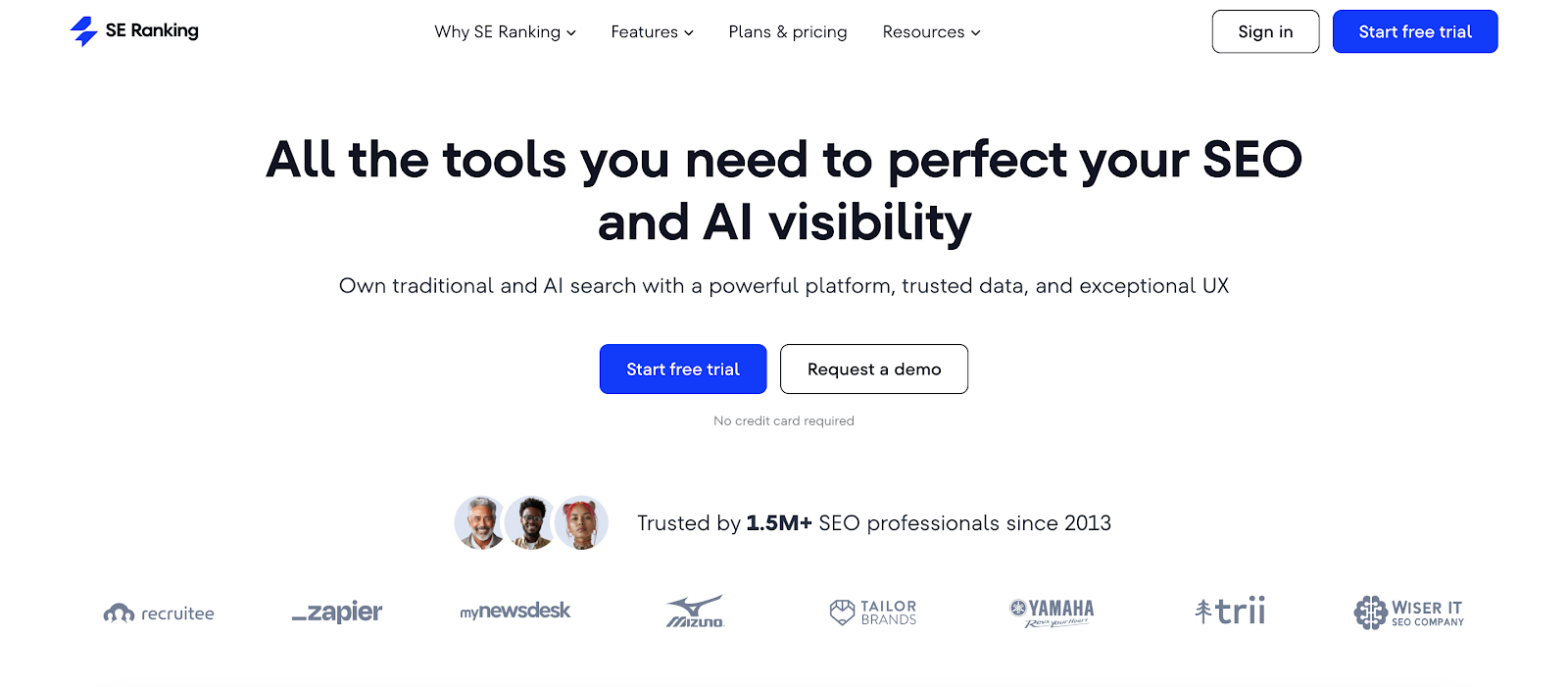
Image source: seranking.com
SE Ranking tracks large keyword portfolios in multiple countries and search engines with daily updates.
Enterprise SEO programs can monitor up to 15,000 keywords per project and compare performance against up to 20 competitors.
The platform also evaluates visibility in Google AI Overviews and other AI platforms.
You can review how AI search references your domain, analyze AI brand visibility, and compare mentions against competing sites. This adds context beyond traditional SERP data.
Key Features
-
SERP feature tracking with share-of-voice (SOV) metrics
-
AI visibility data from Google AI Overviews and AI search platforms
-
Competitive analysis with side-by-side domain comparisons
-
Historical ranking analysis with flexible date selection
-
API access for enterprise tools
-
Looker Studio integration for business intelligence (BI) reporting
-
Automated reporting in PDF, HTML, and XLS formats
Subscription tiers apply keyword caps and feature restrictions depending on plan level. Larger enterprise SEO programs should review keyword limits before committing to paid plans and annual billing.
Users often praise the depth of SEO insights and fresh data. Some note that the interface feels dated relative to the volume of data available.
3. Semrush
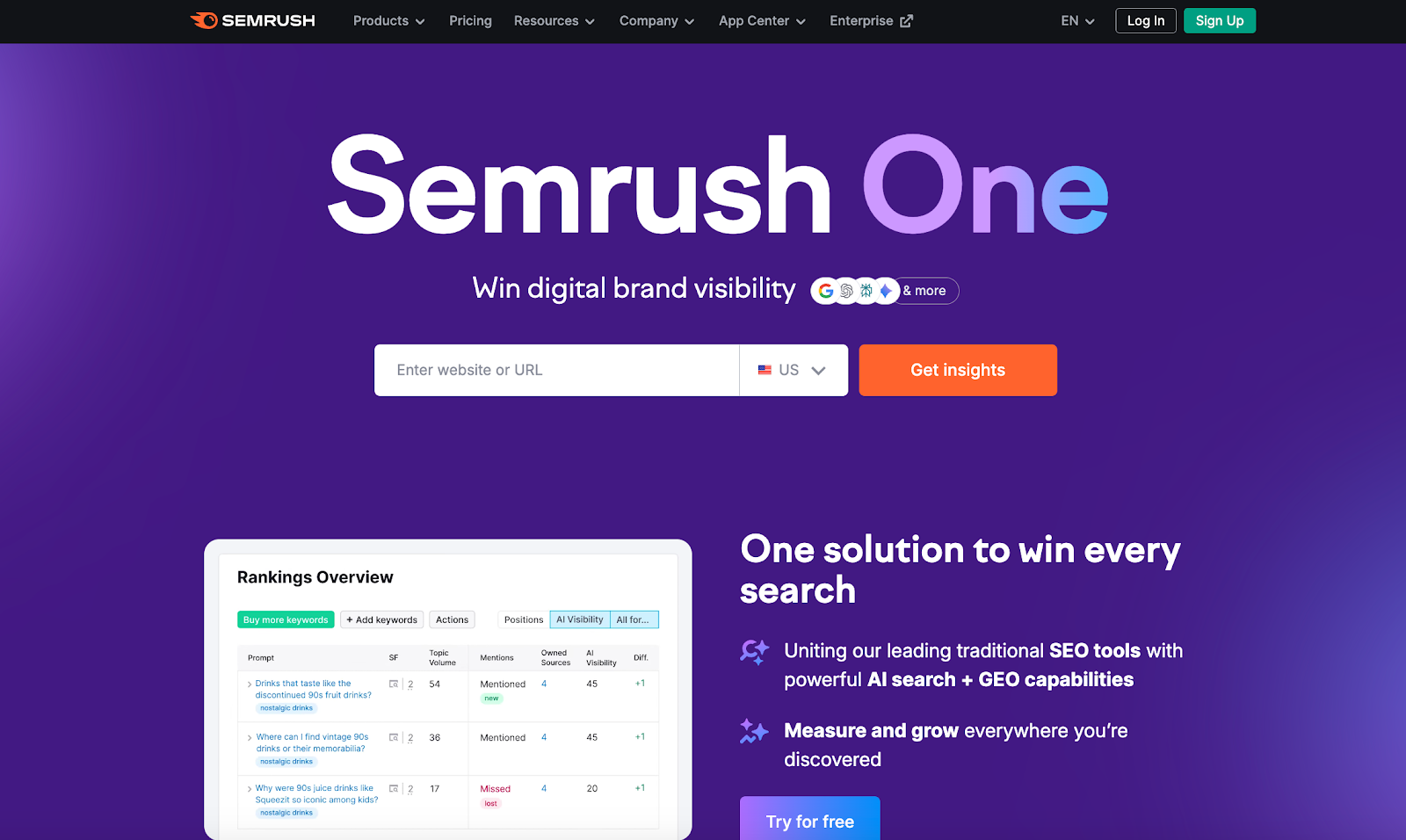
Image source: semrush.com
Semrush’s Position Tracking tool monitors keyword positions in the search results page. It tracks your site and competitor domains on a daily basis and supports any location, device type, or search engine.
You can track rankings from Google to ChatGPT within one dashboard. The tool also analyzes each search result for a target keyword and identifies which SERP features your site may occupy.
In addition to keyword positions, Semrush tracks overall visibility and SOV.
Key Features
-
Daily SERP tracking by device, country, and search engine
-
Competitive analysis with keyword overlap and keyword research tools
-
Traffic estimates linked to individual keywords and pages
-
Integration with Google Analytics and GSC
-
Backlink analysis at the domain and page level
-
Custom alerts for ranking changes
-
Reporting through PDF exports or Looker Studio for BI tools
Semrush also supports keyword research, content ideation through Keyword Magic and SEO Ideas, and backlink gap analysis.
You can export keywords to other tools or analyze traffic, impressions, CTR, and position at the keyword level.
Semrush offers extensive data and feature coverage within one platform.
Some users find the interface complex due to the volume of tools and recommendations. Others note that prioritizing insights requires manual filtering when managing large keyword portfolios.
4. Ahrefs Enterprise
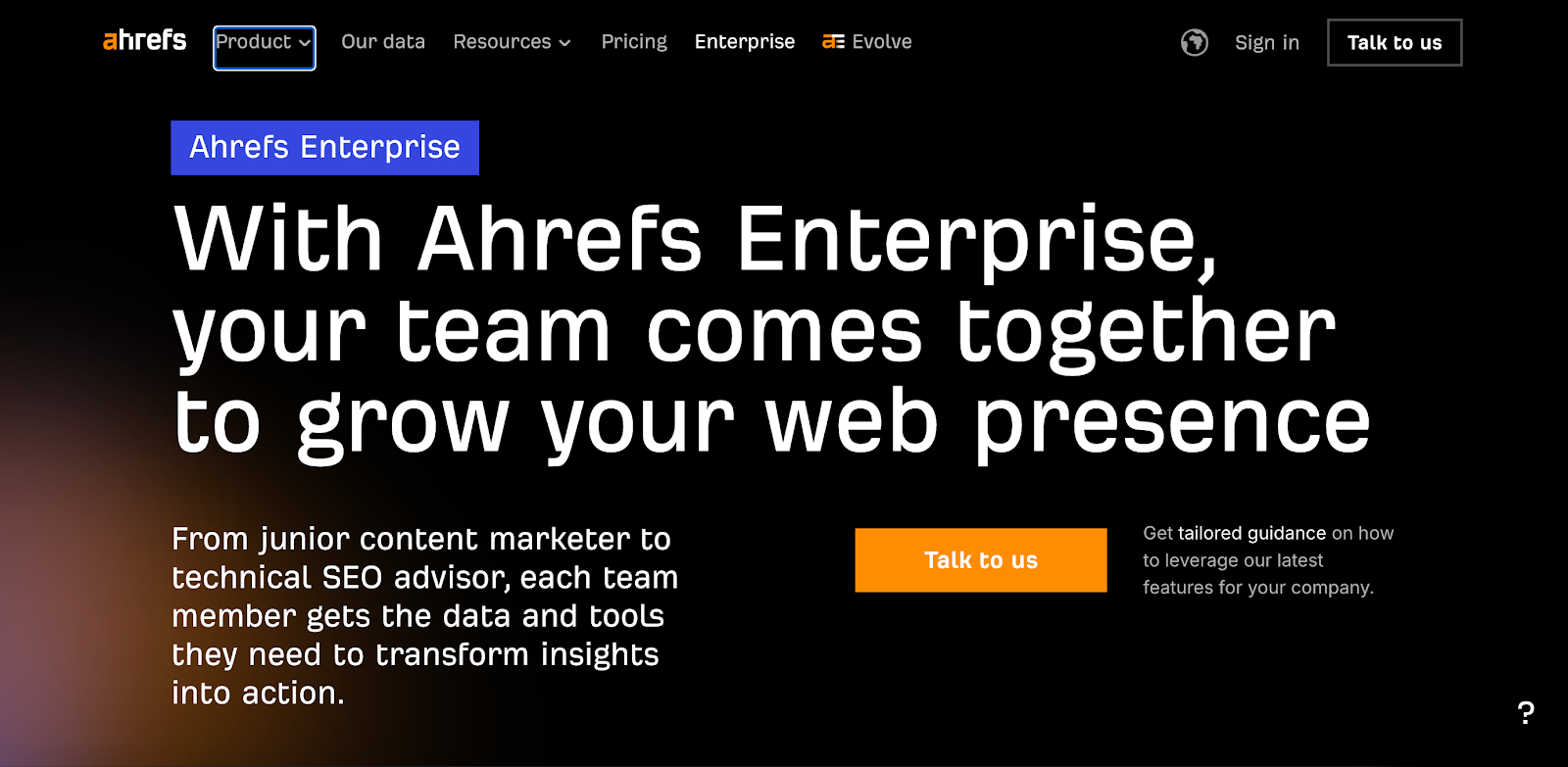
Image source: ahrefs.com
Ahrefs Enterprise focuses on monitoring global keyword rankings. Rank Tracker covers more than 190 locations and tracks positions by country, city, and ZIP code level on both desktop and mobile.
It shows how keywords move over time and highlights where competitors gain ground in search results. Interactive graphs display trends, while position history charts reveal stability and seasonal patterns.
The platform also tracks 19 search SERP features, including AI Overviews, and includes chart notes to monitor SEO initiatives.
Key Features
-
Desktop and mobile tracking
-
Position group segmentation with historical charts
-
SERP history charts for daily feature movement
-
Target URL tracking with outrank warnings
-
Detection of multiple URLs ranking for one keyword
-
Comparison against up to ten competitors
-
Import of historical ranking data from Site Explorer
Ahrefs also tracks keywords driving traffic to competitor pages and identifies new or fast-climbing domains in your search landscape.
Users cite Ahrefs for reliable SEO data, a widely recognized backlink index, and a fast interface within broader SEO platforms.
Some report occasional inaccuracies in keyword ranking data following Google updates. Others note that ranking updates can lag during projects that require near real-time SEO monitoring.
5. AccuRanker
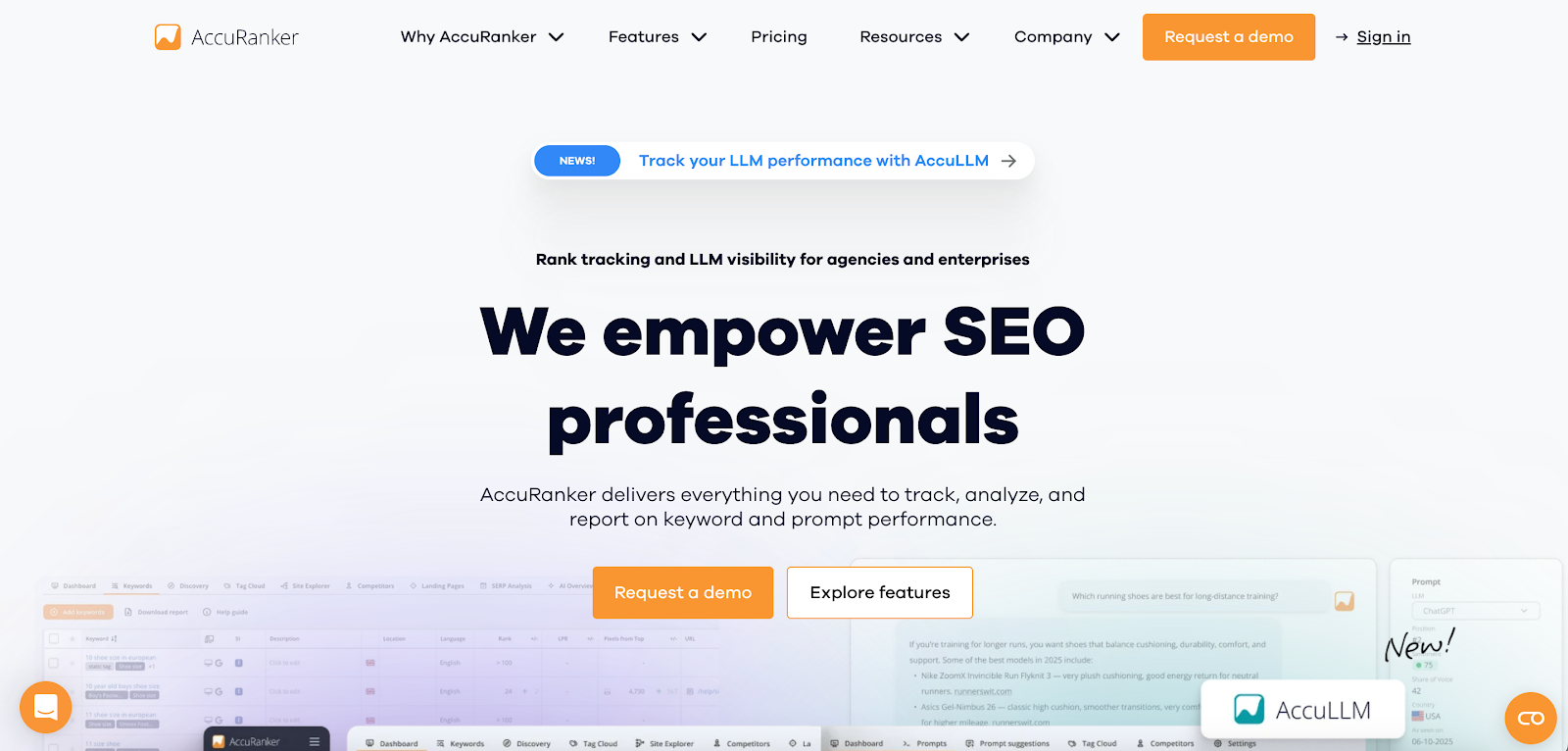
Image source: accuranker.com
AccuRanker focuses on tracking large keyword sets with fast updates and detailed visibility. It monitors keywords across multiple domains and markets, with daily updates and optional refreshes every two hours.
The platform reports pixel position on the search results page, so you can see whether a listing appears above or below the fold. It also tracks dynamic CTR by position and measures AI SOV to evaluate organic visibility within search results.
Tags and filters organize keywords for deeper competitive intelligence and campaign comparison. This functionality works similarly to advanced tagging, helping segment ranking performance more precisely.
Key Features
-
Daily keyword ranking updates with optional two-hour refresh
-
AI share-of-voice visibility data
-
Real-time search volume and SERP feature insights
-
Competitor keyword, ranking, domain, and URL analysis
-
Customizable dashboards and scheduled reporting
-
Integration with BigQuery and Looker Studio
-
API access and unlimited users
AccuRanker also includes a keyword research database that informs SEO strategy across countries and markets.
Users often mention the speed and accuracy of ranking updates. Some report occasional false alerts related to competitor link acquisition notifications.
6. Ranktracker
Image source: ranktracker.com
Ranktracker focuses on tracking search engine rankings at global, national, and local levels. You can monitor keyword positions by country, region, or city, and switch between desktop and mobile views to compare visibility.
It also tracks Google My Business and Local Pack results for Google keywords. Language-based tracking covers Google, Yahoo, Bing, and Yandex.
Ranktracker reports both Organic and Absolute positions, giving a fuller view of where listings appear in search results.
Graphs visualize ranking movement over time, while daily email notifications highlight changes in position or traffic.
Key Features
-
Language-based tracking across major search engines
-
Organic and absolute position reporting
-
Competitor side-by-side rank comparison
-
SERP feature visibility insights
-
Page-level ranking data with search volume and traffic metrics
-
White-label SEO reports with custom branding
-
SEO and pay-per-click (PPC) savings calculator
-
Discovery tool to uncover existing ranking keywords
Ranktracker also filters ranking data by search engine, location, or language to refine rank intelligence for specific campaigns.
Users appreciate daily updates and concise dashboards. When monitoring very large keyword lists, some report slower report loading times.
Advanced settings may require exploration, and backlink data depth may not match more expansive enterprise tools.
7. Advanced Web Ranking
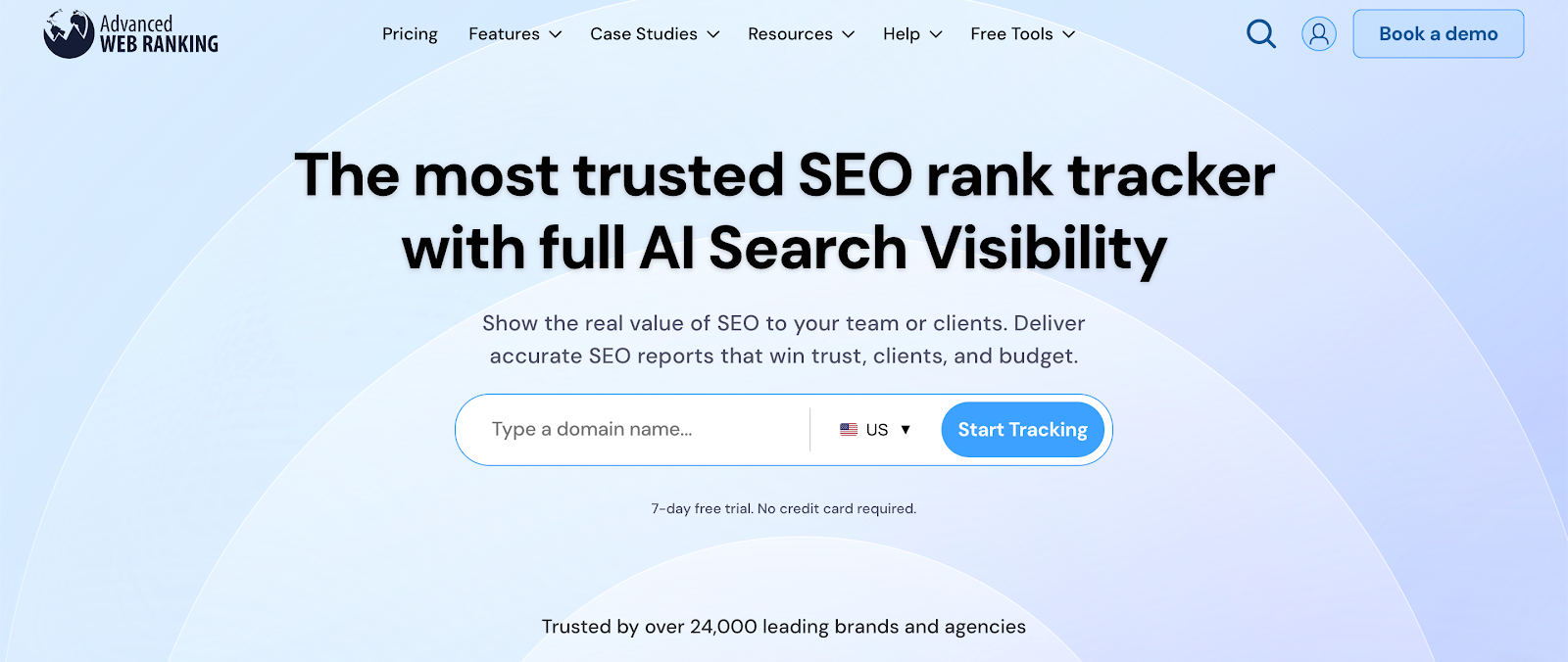
Image source: advancedwebranking.com
Advanced Web Ranking (AWR) tracks keyword positions in more than 4,000 search engines, AI platforms, and locations worldwide.
You can monitor rankings by country, city, or GPS, with desktop, mobile, and Local Pack results displayed side by side.
The platform tracks visibility in Google AI Mode, AI Overviews, ChatGPT, Perplexity, Gemini, Claude, and other AI environments. It shows when AI systems cite your brand and estimates traffic and opportunity tied to those mentions.
AWR also measures pixel position and above-the-fold visibility. This reveals how far down the SERP a listing appears, beyond standard rank numbers.
Key Features
-
Daily, on-demand, or scheduled ranking checks
-
Pixel position and above-the-fold visibility metrics
-
SERP feature monitoring and CTR impact analysis
-
AI visibility and brand citation tracking
-
Keyword trend analysis and landing page performance tracking
-
Competitor visibility share and keyword overlap comparison
-
Automated white-label reports with branded dashboards and emails
-
Unlimited projects, clients, and users
AWR also detects keyword cannibalization and highlights emerging competitors in your search results.
AWR covers a wide range of search engines and AI platforms, which suits enterprise teams managing international campaigns.
Its reporting and configuration options may require initial setup to customize dashboards and metrics for specific business goals.
Why You Should Choose TapClicks for Enterprise Rank Tracking and Reporting
Choose TapClicks when your rank tracking needs to connect with the rest of the marketing workflow.
Raven tracks keyword positions, competitor visibility, and SERP features. Those rankings don’t live in isolation. They appear alongside paid media results, analytics metrics, and CRM data in the same platform.
TapData preserves historical performance, so reports reflect trends instead of one-off snapshots.
TapAnalytics enables drilldowns by campaign, landing page, device, or region without moving data into separate systems.
TapReports standardizes delivery. Dashboards, PDF files, and slide decks follow consistent templates, whether you manage five clients or five hundred.
Scheduled distribution keeps reporting as predictable for large portfolios.
Insights You Can Grasp Quickly
Enterprise clients expect more than ranking charts. TapInsights generates AI summaries that explain performance changes and competitor movements in plain language.
SmartSlides and SmartEmail turn dashboards into branded presentations within seconds.
Instead of handing over raw keyword lists, you can present narratives that connect rankings with revenue discussions and business plans.
FAQs About Enterprise Rank Tracking Software
What does rank tracking help you monitor?
Rank tracking monitors your keyword positions in the search engine results. It shows whether your target keywords move up or down and how competitors rank for the same queries.
Many enterprise SEO platforms also track search visibility and SERP features, giving context beyond a single ranking number.
Do rank trackers show local keyword results?
Yes. Most rank-tracking tools report local rankings by country, city, and sometimes ZIP code. They often separate desktop and mobile results, since local search results vary by device and location.
This helps marketers evaluate performance for region-specific campaigns.
How to check what keywords a website ranks for?
Use an SEO platform with keyword research or competitive analysis features. Enter the website’s domain, and the tool will display ranking data, estimated traffic, and keyword positions.
Some platforms also connect with Google Search Console and Google Analytics to show which keywords drive impressions and clicks.
.png)