
Key SEO Report Metrics That Turn Traffic Into Revenue
You review the search engine optimization (SEO) report and see rising traffic and higher rankings. Then a client asks how that performance affected leads or revenue, and the answer isn’t clear.
SEO report metrics should connect search performance to actual sales, so every graph shows how results tie back to business outcomes.
This guide covers which metrics to track, how to present them for different audiences, and how to turn raw data into insights readers understand right away.
TL;DR
-
SEO report metrics measure search performance and show how traffic connects to conversions and revenue.
-
Important metrics include organic visits, keyword positions, click-through rate (CTR), audience interaction, and conversion rates.
-
Google Analytics 4 (GA4) and Google Search Console (GSC) provide reliable data for tracking SEO performance.
-
Well-organized reports with context make trends easier to understand.
-
TapClicks centralizes SEO data, automates reports, and adds AI summaries to make reporting easier to manage.
What Is an SEO Report Metric?
SEO report metrics are the data points used to measure a website’s organic performance. These include organic traffic, keyword rankings, CTRs, and conversions, all sourced from reporting tools like Google Analytics and Google Search Console.
They show how your site performs in search results and how users interact with it. You can track organic search traffic, monitor keyword rankings, and spot issues like crawl errors or low engagement.
A useful report also connects those metrics to leads, sales, or other outcomes that matter to the business.
10 Most Important Types of SEO Metrics to Include in Your Report
Here are the ten types of SEO report metrics every report should include to reflect search performance, user behavior, and campaign results.
1. Organic Traffic Metrics
Organic traffic tracks how many visitors arrive through unpaid search results. It’s one of the first things readers look for, but volume alone doesn’t explain performance.
-
Sessions from organic search show total traffic from SEO
-
New and returning users show whether you’re attracting fresh visitors and earning repeat visits
-
Landing page performance shows which pages attract organic visitors
-
Monthly and yearly comparisons show trends
These metrics connect content updates and search engine optimization efforts with actual visits.
2. Keyword Ranking
Keyword rankings indicate where your pages appear in search engine results for target keywords. They help SEO specialists track progress for terms linked to products, services, and revenue goals.
A useful report doesn’t dump hundreds of rankings into one list. It groups keyword data by campaign, service line, topic, or search intent so patterns are easier to spot.
Long-tail terms also belong here, since they often reveal more specific intent and can bring in qualified traffic.
3. Search Visibility
Search visibility captures how often your pages appear in search engine results pages (SERPs), even without clicks.
High visibility can look promising, but relevance is what counts. A page may appear often for broad queries and contribute little to leads or sales.
That’s why effective SEO reports separate broad exposure from visibility for terms that match buyer intent.
4. Click-Through Rate
CTR shows how often people click on your page after seeing it in search results. It tells you how persuasive your appearance in search results is.
If people see your links but never click, stop worrying about your rank and start fixing your content, including meta titles and meta descriptions.
That’s especially important now that search behavior is changing. According to Seer Interactive, organic CTR dropped from 1.41% to 0.64% for queries with AI Overviews, which makes this one of the key SEO metrics to watch.
5. Engagement Metrics
Engagement metrics show what visitors do after they land on your site. They help confirm whether your content meets expectations.
Look at engagement rate, bounce rate, average session duration, and pages per session. When users leave quickly or stop after one page, the issue may be the content or page experience.
6. Conversion Metrics
Look at your sales numbers. They tell you if your organic visitors are becoming loyal customers.
Track conversion rate, total conversion volume, and goal completion rate. Include form submissions, calls, booked demos, quote requests, and appointments where relevant.
This is where SEO performance starts to connect with actual results.
7. Revenue Metrics
Tracking your sales figures reveals how much money your search strategy makes. You can finally see if your SEO efforts pay off or are just empty page views.
-
Total revenue from organic search shows a direct contribution
-
Average order value adds context to conversions
-
Assisted conversions show SEO’s role in earlier touchpoints
-
Return on investment (ROI) compares SEO spend with revenue returned
This section puts financial context behind your SEO performance.
8. Backlink and Authority Metrics
Getting other websites to link to your pages helps you climb the search engine rankings. Quality links act like votes of confidence for your site. They push your content higher and help you stay there.
Track link growth, new referring domains, lost referring domains, domain authority, and domain rating trends. Backlink quality matters more than raw volume, so reports should note whether links come from relevant, credible sites.
9. Technical SEO Metrics
Technical SEO metrics show whether search engines can crawl, index, and evaluate your pages properly. They also reveal problems that can drag down site performance and user experience.
-
Crawl errors can block pages from appearing in search
-
Index coverage shows which pages are included in search results
-
Broken links, mobile usability issues, and page speed affect site performance
-
Site health summaries give a quick view of technical status
These metrics help identify issues that affect rankings and user experience.
10. Core Web Vitals in SEO Report Metrics
Core Web Vitals (CWV) measure how a page performs for visitors. They connect technical SEO with user experience, which is why they belong in detailed reports.
Largest Contentful Paint (LCP) shows how long it takes for the main content on a page to appear. When that content loads slowly, visitors are more likely to leave the page.
Cumulative Layout Shift (CLS) measures visual stability. If buttons, images, or text jump while the page loads, visitors can lose their place or click the wrong element.
Interaction responsiveness measures how quickly a page responds to clicks, taps, or typing. If the interface hangs for a second, people assume the site is failing.
Together, these metrics show whether a page delivers a usable experience, not just visibility in search results.
Where to Get Accurate SEO Report Metrics
Accurate SEO report metrics come from a few core data sources. Each one shows a different part of your website’s search engine performance.
GA4 shows what happens after someone lands on your site. It tracks organic sessions, landing pages, engagement, and conversions. You can also see revenue and lead activity, like form submissions or calls.
Google Search Console shows how your site performs in search engine results. It tracks clicks, impressions, CTR, and average position. It also shows query data and flags issues related to indexing and CWV.
SEO tools fill in the gaps. They track keyword rankings, analyze backlink profiles, and run site crawls. These tools help identify issues such as broken links, missing pages, or technical problems that affect search visibility.
When data sits in multiple SEO tools, reporting becomes harder to manage. Numbers don’t always match, and it takes more time to compare results or spot trends.
How to Choose the Right SEO Metrics to Report for Different Audiences
SEO reports only work when the metrics match the reader. Each audience looks for different signals in your SEO data, so the report should reflect that.
-
Executives want business results: Show revenue from organic search, conversion volume, and return on investment. Keep it high-level and highlight trends in SEO performance metrics that relate to pipeline or sales.
-
Marketing managers look at performance and direction: Include organic traffic, top landing pages, conversion rates, and content performance. This helps identify trends and refine content strategy based on what’s driving results.
-
SEO professionals need deeper SEO analytics: Focus on tracking keyword rankings, search visibility, backlink profile, technical health insights, and query data. These metrics help diagnose issues and improve site performance.
-
Client reports should stay outcome-focused: Show key metrics linked to results and add short commentary so clients understand the site’s search performance without reviewing detailed data.
Choosing the right metrics keeps reports relevant and prevents information overload.
How to Organize SEO Report Metrics So They’re Easy to Follow
A report only works if people can scan it, understand it, and find the answers they need immediately.
Step #1: Start With an Executive Summary
Open with a summary that answers the main question right away. State what improved, what declined, and where attention should go next.
For example, if organic traffic increased but conversions dropped, say that in plain terms. Add a brief reason, such as weaker landing pages or lower intent traffic.
Many clients read only this section, so it needs to stand on its own.
Step #2: Organize SEO Report Metrics Into Clear Sections
Arrange metrics in a logical order. Start with traffic and search visibility, then move to engagement and conversions, followed by technical health and backlinks.
Keep each section focused. Don’t mix keyword rankings with crawl errors or backlink data. When each section answers one question, the report becomes easier to follow.
Step #3: Use Visuals to Make SEO Reporting Metrics Easier to Understand
Charts help readers spot patterns without reading every number. Line graphs work well for traffic and search rankings over time. Bar charts help compare pages, campaigns, or channels.
Add a short note under each chart. If traffic spikes, mention the page or campaign behind it. If it drops, point to a likely cause. This keeps readers from interpreting charts on their own.
Step #4: Add Context, Not Just Numbers
Numbers alone don’t explain SEO performance. A traffic increase means little without knowing where it came from or whether it led to conversions.
Write a short explanation for each section. Mention the cause, such as content updates, ranking shifts, or changes in user intent. Keep it straight to the point so the takeaway is obvious.
Step #5: Keep SEO Reports Consistent
Use the same layout and metrics in every report. This makes it easier to compare performance over time.
Monthly reports highlight recent changes like traffic shifts or ranking movement. Quarterly reports show longer patterns, such as sustained improvements in user engagement or search engine visibility.
Consistency helps readers recognize patterns without relearning the format each time.
Most Common SEO Reporting Mistakes to Avoid
Too many metrics can clutter a report. When every number appears, it becomes harder to see what stands out. Focus on a smaller set of marketing key performance indicators (KPIs) that reflect progress and outcomes.
A top spot on Google is only a starting point. High rankings don’t mean much if visitors don’t convert. Reports should connect visibility with actions like purchases, sign-ups, or inquiries.
Short-term swings in traffic or visibility don’t always signal a problem. Seasonal demand, changes in SERP features, or updates to Google’s ranking algorithm can all affect performance. Look at patterns over time before drawing conclusions.
Charts without explanation leave room for confusion. A graph may show movement, but readers still need a quick caption to understand the context behind the data.
Manual reporting takes time and increases the chance of errors. Working with multiple tools and rebuilding reports each cycle slows everything down.
How TapClicks Simplifies SEO Reporting and Metrics Tracking
TapClicks connects GA4, Google Search Console, and other data sources in a single reporting environment.
Data from 250+ integrations syncs automatically, so reports no longer rely on exports or spreadsheets.
Organic traffic, keyword rankings, and indexed pages appear together. You can track organic search efforts and review SEO performance without second-guessing numbers.
Turn SEO Data Into Useful Insights
Charts alone don’t answer questions. TapClicks adds AI-written summaries that explain performance in plain language.
SmartReports and SmartEmail highlight wins, risks, and recommendations within the report or email. Readers get valuable insights without digging through dashboards or asking for clarification.
Create and Deliver Reports Without Manual Work
TapClicks simplifies how you create SEO reports. SmartSlides generates presentation-ready decks from live data, while Report Studio keeps layouts consistent with reusable templates and dynamic variables.
Reports go out on a set schedule. SmartEmail delivers summaries straight to inboxes, so clients stay informed without attachments or logins.
Agencies using TapClicks report major time savings and improved reporting workflows. Intrinsic Digital cut reporting effort by 92% and expanded from 81 to over 1,200 clients after adopting TapClicks.
TapClicks keeps automated SEO reports consistent and reliable, so more time goes into analysis, planning, and improving results.
Deliver Effective SEO Reports With TapClicks
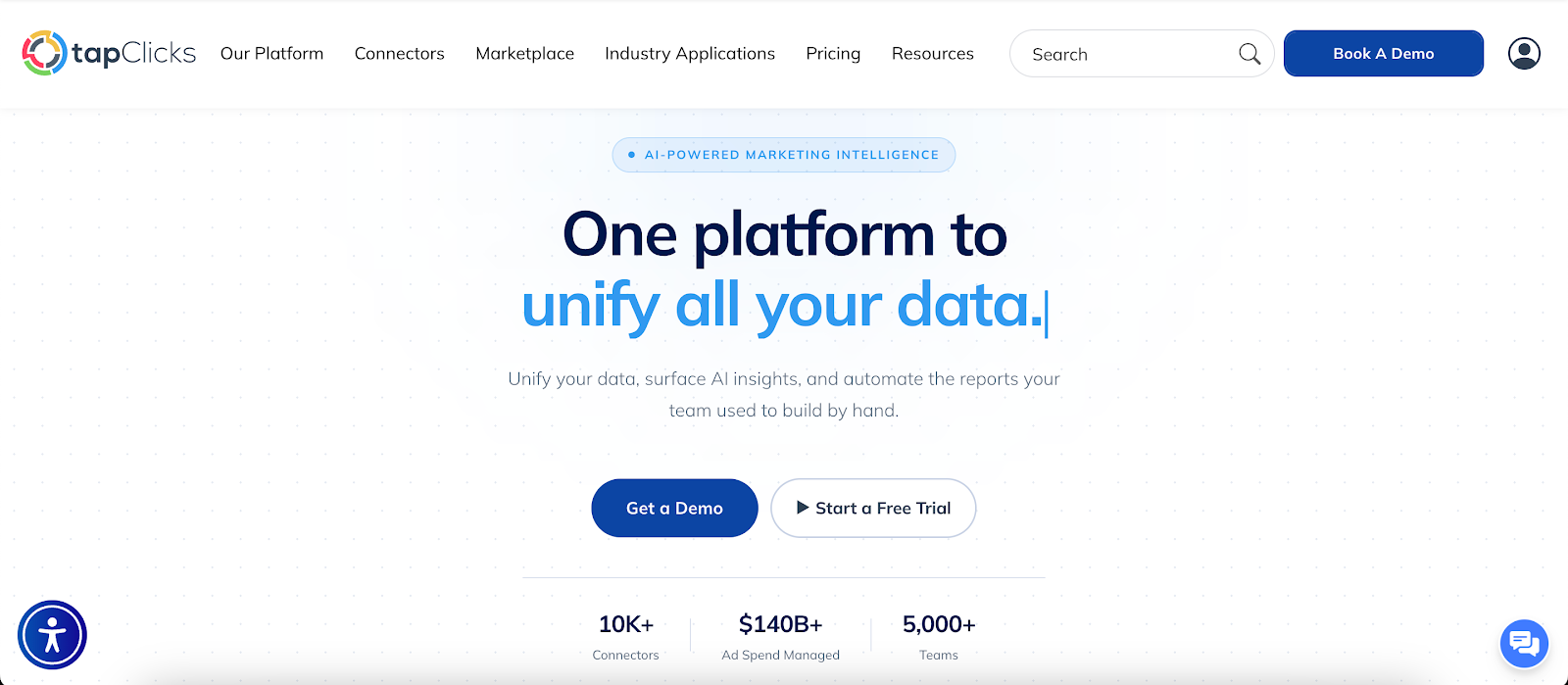
SEO report metrics carry weight when they connect search activity to outcomes people care about. Traffic and rankings may look promising, but they don’t show whether visitors take action.
A useful report highlights what improved, what needs attention, and where to focus next without flooding the page with numbers.
When data updates automatically and reports arrive on schedule, it’s easier to track organic traffic, monitor Core Web Vitals, and review performance.
TapClicks brings reporting, dashboards, and AI-written summaries together so you can focus on SEO analysis instead of assembling reports.
FAQs About SEO Report Metrics
How do you measure SEO success in a report?
Look past traffic and rankings. Check if visitors are turning into leads, calls, or sales, and pair that with metrics like organic traffic and engagement to see what’s driving results.
Which tools should you use to track SEO reporting metrics?
Google Analytics 4 and Google Search Console cover traffic, behavior, and search performance. SEO tools help you track referral traffic, monitor ranking factors, and visualize key metrics like backlinks and keyword positions in one view.
How often should you send SEO reports?
Most reports go out monthly, so you can track recent changes and keep everyone updated. Quarterly reports help show bigger patterns and give a better view of overall performance.









